GP4
enga
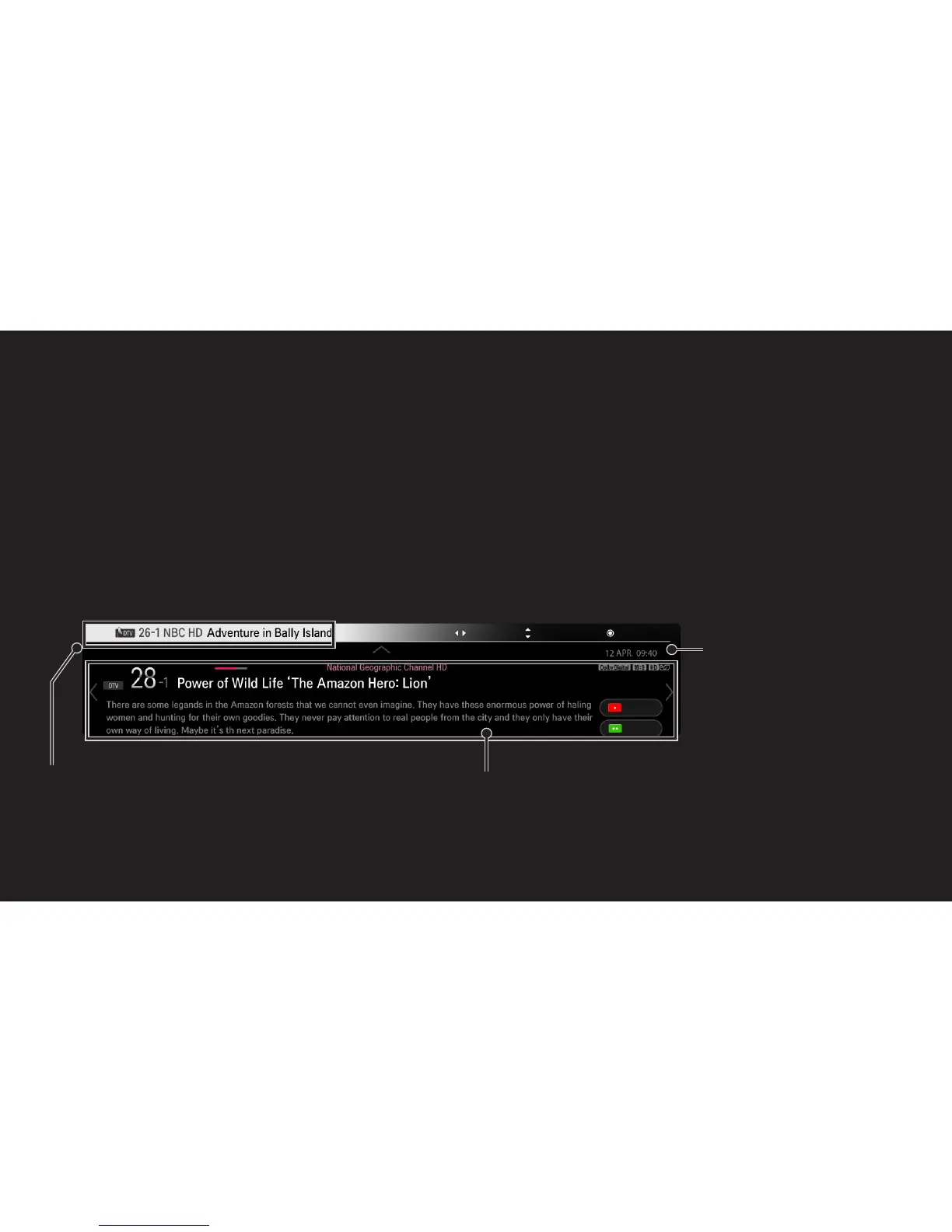
Displays information about the current program and/or current time, etc.
1 Move the pointer of the Magic remote control to the top of the TV screen.
2 Click the activated channel banner area.
3 The program details will be displayed at the bottom of the TV screen.
✎ Image shown may differ from your TV.
Program name
Detailed program information
(for digital broadcast)
Current time
UP
DOWN
Prev./Next
Ch. Change
Watch


 To Next Page