ENGLISH
32
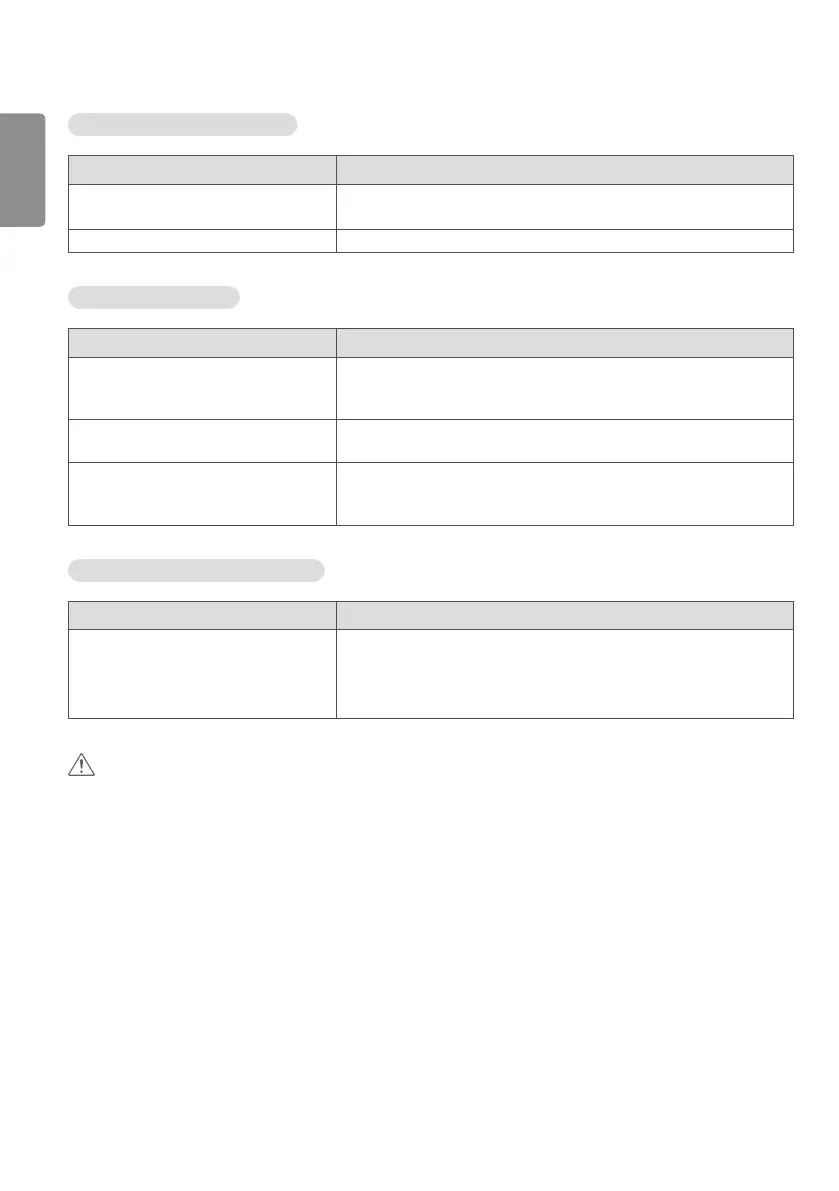
The audio function does not work.
Problem Action
No sound? • See if the audio cable is connected properly.
• See if the sound is set properly.
Sound is too dull. • Select the appropriate equalizer sound.
Screen color is abnormal.
Problem Action
Screen has poor color resolution (16
colors).
• Set the number of colors to more than 24 bits (true color). Select
(Control Panel → Display → Settings → Color Table) in Windows. (The
settings may differ depending on your operating system.)
Screen color is unstable or mono-colored. • Check the connection status of the signal cable. Or, re-insert the PC
graphics card.
Do black spots appear on the screen? • Several pixels (red, green, white, blue, or black color) may appear on the
screen, which can be attributable to the unique characteristics of the
OLED panel. This is not a malfunction of the OLED.
The operation does not work normally.
Problem Action
The power suddenly turned off. • Is the Timer set?
• Check the power control settings. Power interrupted.
• Are the fans functioning properly?
- View the fan status in HOME → [Information] → [Fan Status].
CAUTION
• Image sticking may occur when displaying a fixed image for an extended period of time. It is recommended that you
display videos for 12 hours or less per day to decrease the likelihood of image sticking.
• A few horizontal lines may appear on the screens while running the Clear Panel Noise feature (OFF-RS). This is
normal, so there is no need for concern. If the power is turned on or a power failure occurs while the Clear Panel
Noise feature (OFF-RS) is running, the feature may not work properly. Turn the power on five minutes after running
the Clear Panel Noise feature. The external speakers connected to the product may make a sound while you are
running the Clear Panel Noise feature (OFF-RS).
• OFF-RS: Removes image sticking through TFT degradation compensation. Runs after 4 hours of use.
JB: Removes image sticking through OLED degradation compensation. Runs after 2000 hours of use.



 To Next Page