41
ENG
ENGLISH
CUSTOMIZING SETTINGS
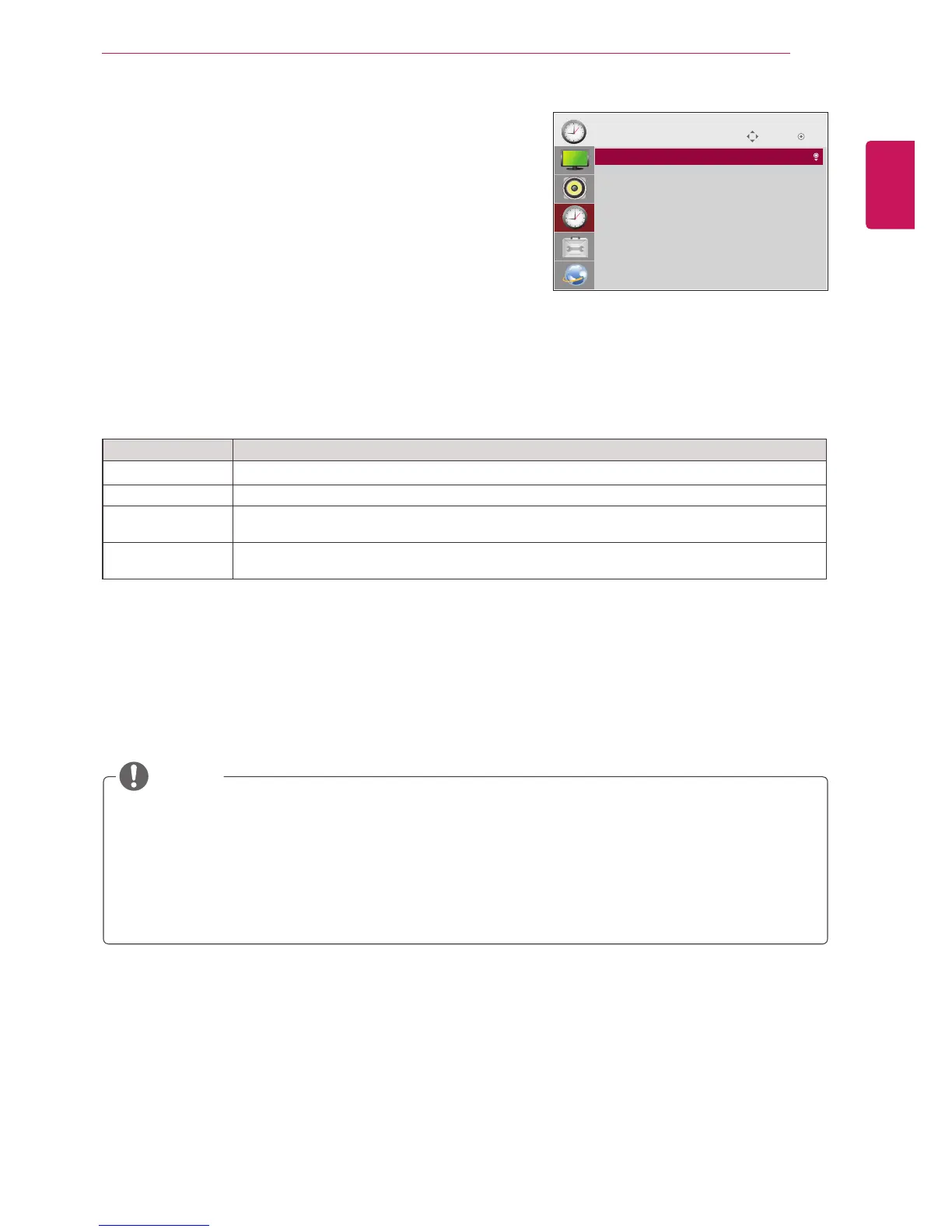
TIME Settings
1
PressSETTINGStoaccessthemainmenus.
2
PressthenavigationbuttonstoscrolltoTIMEandpressOK.
3
Pressthenavigationbuttonstoscrolltothesettingoroption
youwantandpressOK.
-Toreturntothepreviouslevel,pressBACK.
4
Whenyouarefinished,pressEXIT.
Whenyoureturntothepreviousmenu,pressBACK.
Theavailabletimesettingsaredescribedinthefollowing:
Setting Description
Clock Setsthetimefeature.
On/Off Time Setsthetimetoturnonoroffthemonitorset.
Auto Off(15Min.) IfAuto-offisactiveandthereisnoinputsignal,thesetswitchestooffmodeautomaticallyafter15
minutes.
Automatic
Standby
Ifthemonitorisleftunattendedforasetperiodoftime,itautomaticallygoesintostandbymode.
OffTime/OnTimecanbesavedforuptosevenschedules;themonitoristurnedonoroffatthepreset
timeintheschedulelist.Ifmultiplepresettimesarestoredintheschedulelist,thisfunctionworksatthe
nearesttimefromthecurrenttime.
Oncetheonorofftimeisset,thesefunctionsoperatedailyatthepresettime.
Whenthescheduledpower-onandpower-offtimesarethesame,thepower-offtimehaspriorityoverthe
power-ontimeifthesetisturnedon,andviceversaifthesetisturnedoff.
NOTE
Move OK
TIME
• Clock
• Off Time : Off
• On Time : Off
• Auto Off(15Min.) : Off
• Automatic Standby : Off



 To Next Page