47
ENGLISH
• Touchpad mode: As is shown in picture 4-1-7-1, users can remotely control IFP by clicking on the touchpad. Two
buttons are available.
Click [Left] to simulate the mouse left-click button; click [Back] to simulate the mouse right-click button. Move with
one finger on touchpad and the mouse arrow on IFP will move simultaneously.
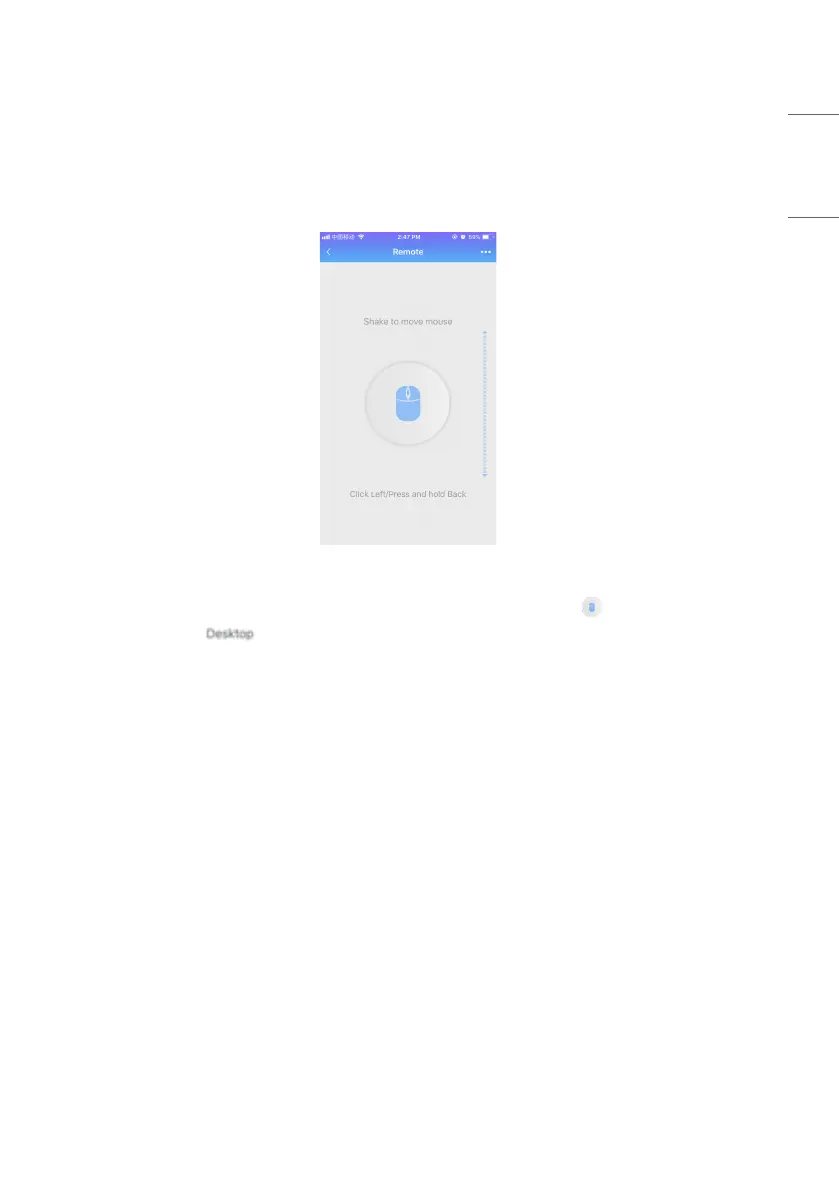
Picture 4-1-7-4 Motion Mode
• Motion mode: As shown in picture 4-1-7-4, tilt your devices to move the mouse. Click to choose.
• Back to desktop: Click to exit remote mode and go back to desktop.


 To Next Page