10
ENGLISH
PREPARATION
Installation and Configuration
This chapter explains how to install and configure AC Smart BACnet.
Installation
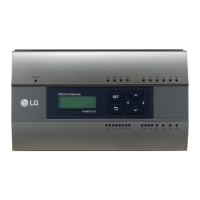
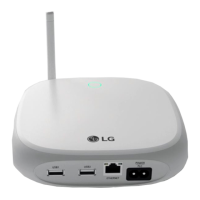
To use AC Smart BACnet, build an environment for which AC Smart BACnet can communicate
with devices like the indoor unit, ERV, DI/DO, DOKIT, AWHP, AHU and I/O Module. Use AC Smart
BACnet to register those devices.
AC Smart BACnet should be installed in the following order:
STEP 1. Check the installation environment and configure the device
address.
Check the network configuration against the interfaced devices before installing
AC Smart BACnet and allocate a unique central control address for each
connected device.
STEP 2. Connect BECON devices with AC Smart BACnet.
Use an RS485 cable to connect BECON devices with AC Smart BACnet.
STEP 3. Login and register the devices.
Login to AC Smart BACnet and register those devices that have their address
set.
CAUTION
The installation of AC Smart BACnet must be done by a professional. Be sure to contact a
qualified engineer for the installation. If you have a question or request regarding the installation,
contact an installation professional at an authorized LG service center or LG Electronics.


 To Next Page