22
ENGLISH
STARTING
Rebooting
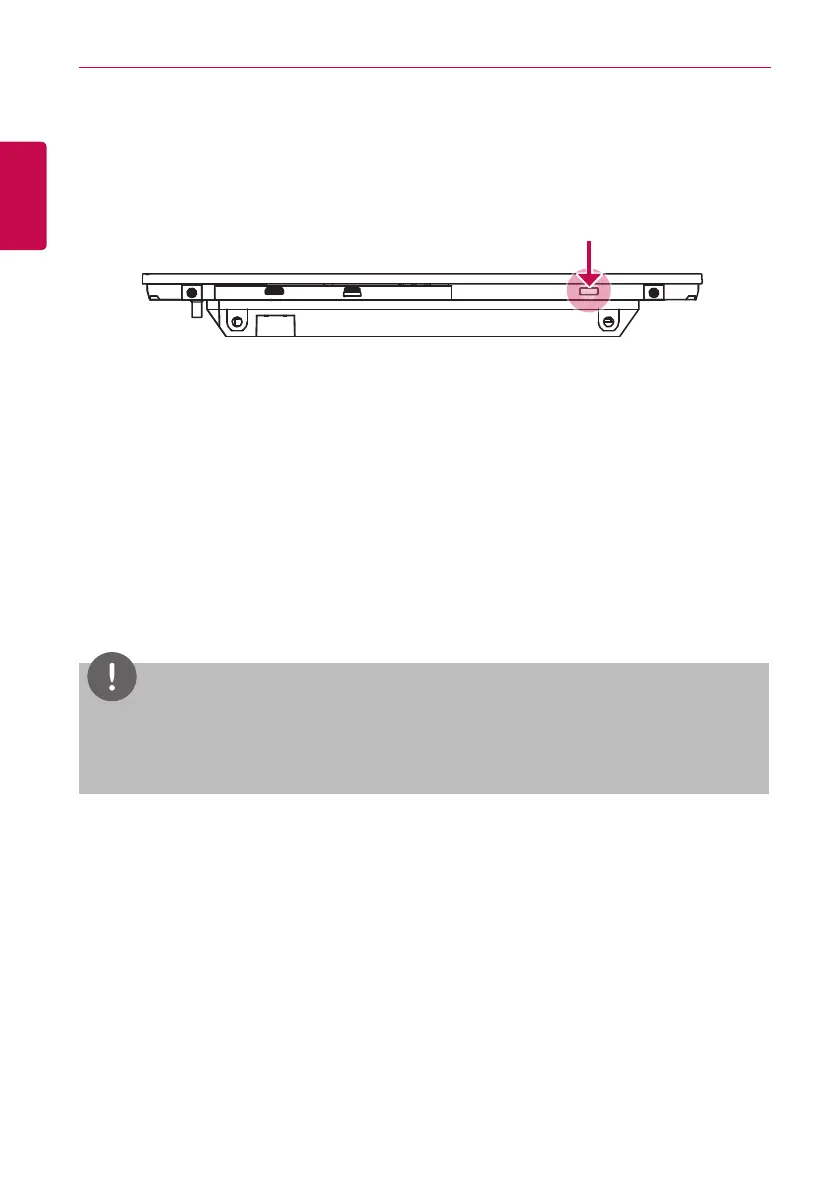
You can reboot the device as follows.
1. Press the power button on the bottom of the unit for 10 or more seconds.
• The device reboots.
Login and logout
The following explains how to log in and out of AC Smart BACnet.
AC Smart BACnet can control and monitor equipment by touch screen or Web access. If you enter
the IP address of the AC Smart BACnet in the address bar of the Internet without the installation
of another program, the central control program AC Smart BACnet, Web server will execute
automatically, to use the functionality of the various content.
The manual will explain AC Smart BACnet standard equipment.
NOTES
y
You will need the Adobe Flash Player installed for the Web control access.
(Recommended specification: Adobe Flash Player 11)
y
The special character (^), (‘) and (,) are not available.


 To Next Page