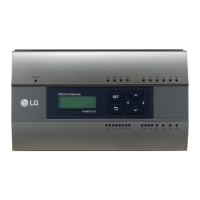
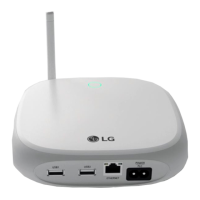
iii
EXPLANATORY NOTES
ENGLISH
How to Use This Guide
Please read from beginning to end this User Manual before using AC Smart BACnet. Store this guide
so that is also easily accessible.
Notations Used In This Guide
• Control buttons displayed within the system are marked by boldface text in square brackets ([ ]).
Example: [OK], [Save]
• Option titles displayed in the program are marked by boldface text.
Example: Start, Programs
• Keyboard strokes used by the system are marked by boldface text in angle brackets (< >).
Example: <Esc>


 To Next Page