50 Operation
Operation
4
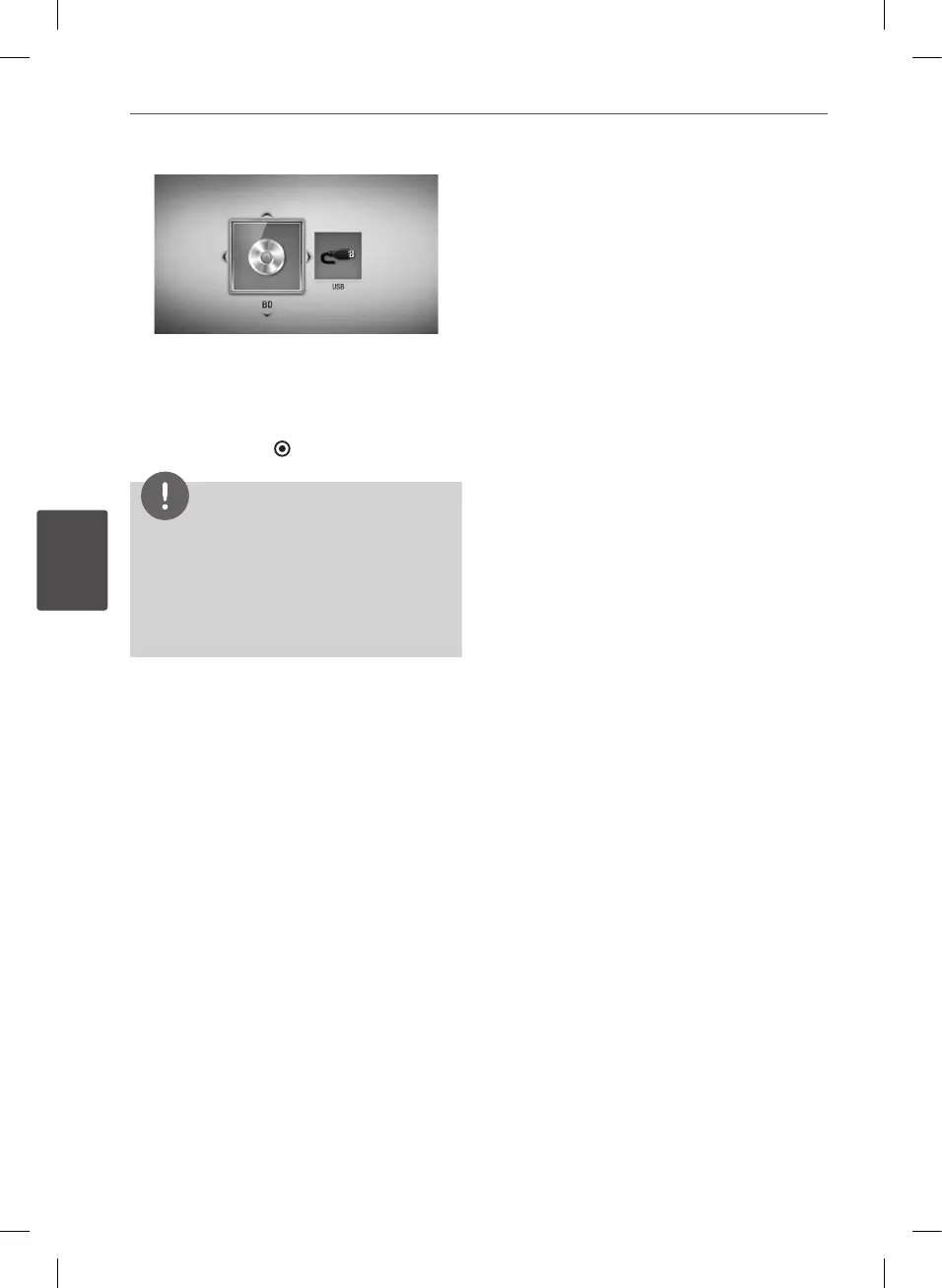
While navigating [Movie], [Photo] or [Music]
menu, press green(G) colored button to
change the device. (DISC or USB)
6. Select a le using
U
/
u
/
I
/
i
, and press
B
(PLAY) or ENTER ( ) to play the le.
NOTE
• Playback functions described in this manual are
not always available in every les and media.
Some functions can be restricted depending on
many factors.
• Depending on the BD-ROM titles, a USB device
connection may be needed for proper playback.
To stop playback
Press
x
(STOP) during playback.
To pause playback
Press
X
(PAUSE) during playback.
Press
B
(PLAY) to resume playback.
To play frame-by-frame
Press
X
(PAUSE) while movie playback.
Press
X
(PAUSE) repeatedly to playback Frame-
by-Frame.
To scan forward or backward
Press
m
or
M
to play fast forward or fast
reverse during playback.
You can change the various playback speeds
by pressing
m
or
M
repeatedly.
To slow down the playing speed
While the playback is paused, press
M
repeatedly to play various speeds of slow
motion.
To skip to the next/previous
chapter/track/file
During playback, press
.
or
>
to go to
the next chapter/track/le or to return to the
beginning of the current chapter/track/le.
Press
.
twice briey to step back to the
previous chapter/track/le.
In the [Home Link] menu, there may be many
types of media les in the current folder
together. In this case, press
.
or
>
to go
to the previous or next media les of the same
type.
BD582CC-P.BAUTLLK_MFL65225414_ENG.indd 50 11. 3. 19. �� 5:19


 To Next Page