63Operation
Operation
4
NOTE
If you press
x
(STOP) during playback, the subtitle
selection is cancelled.
Changing subtitle code page
MOVIE
MOVIE-N
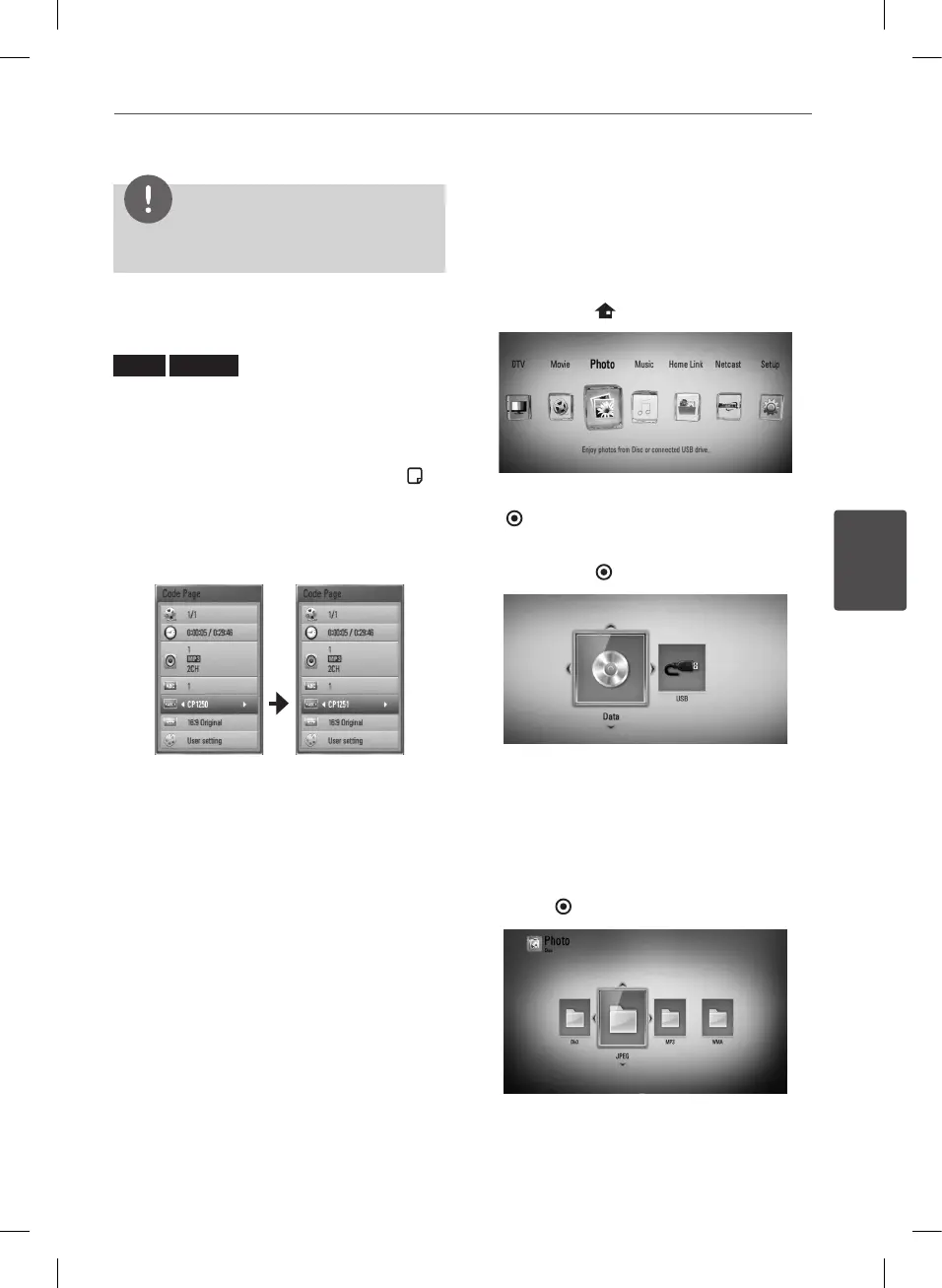
If the subtitle is not displayed properly, you
can change the subtitle code page to view the
subtitle le properly.
1. During playback, press INFO/DISPLAY ( ) to
display the On-Screen display.
2. Use
U
/
u
to select the [Code Page] option.
3. Use
I
/
i
to select desired code option.
4. Press RETURN (
O
) to exit the On-Screen
display.
Viewing a photo
You can view photo les using this player.
1. Press HOME ( ).
2. Select [Photo] using
I
/
i
, and press ENTER
( ).
3. Select [Disc] or [USB] option using
I
/
i
, and
press ENTER ( ).
This step is needed only when a disc or a
USB device is connected on this unit.
While navigating [Movie], [Photo] or [Music]
menu, press green (G) colored button to
change the device. (DISC or USB)
4. Select a le using
U
/
u
/
I
/
i
, and press
ENTER ( ) to view the photo in full screen.
BD582CC-P.BAUTLLK_MFL65225414_ENG.indd 63 11. 3. 19. �� 5:19


 To Next Page