80 Operation
Operation
4
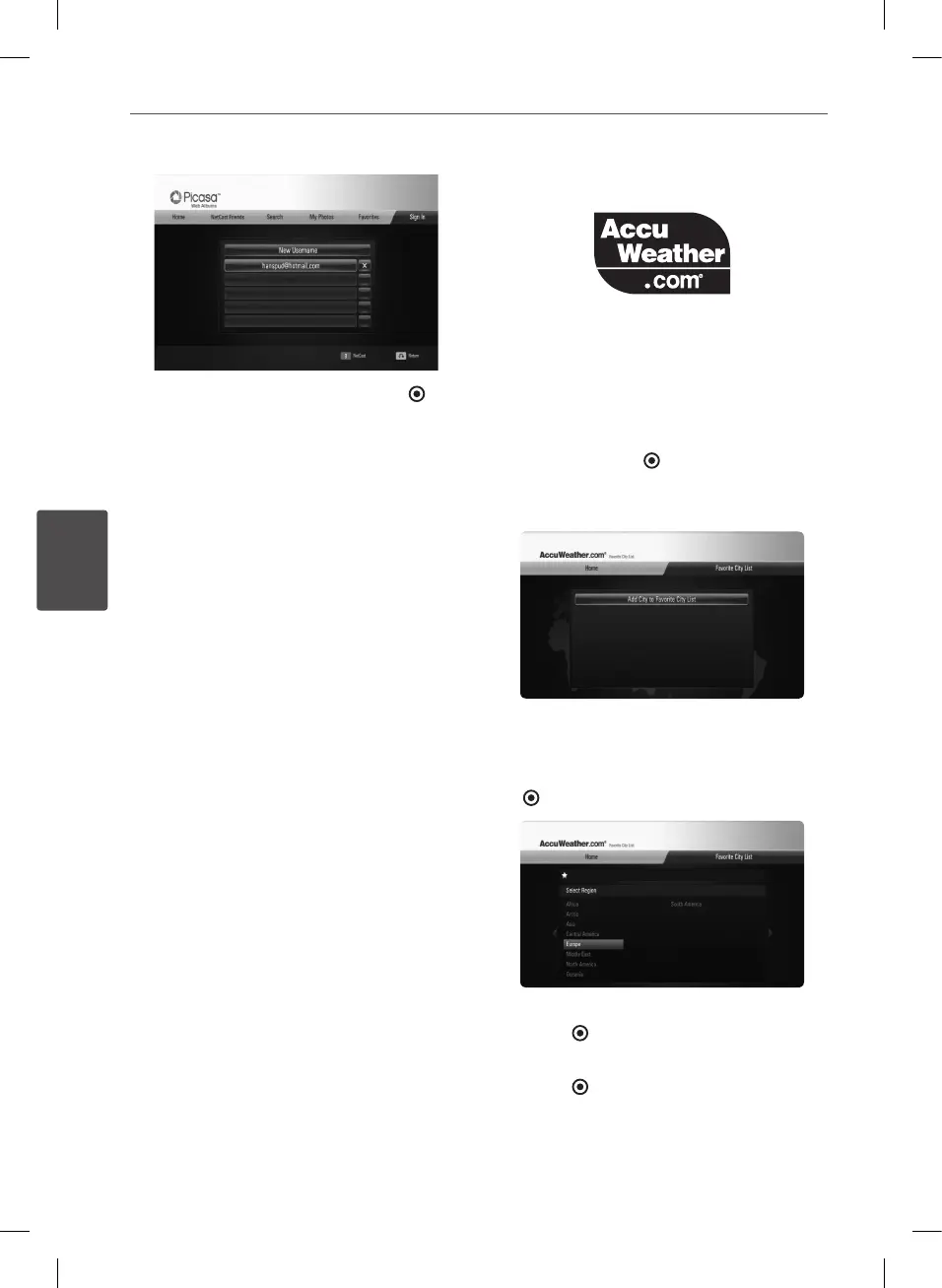
Select the [X] symbol and press ENTER ( ) to
delete the stored user name.
Using the AccuWeather
See on-line local and global weather forecasts
from AccuWeather.com.
Viewing weather information
1. On the player, select the [AccuWeather]
option in the [NetCast] menu using
I
/
i
,
and press ENTER ( ).
The city selection menu appears on the
screen.
2. Press ENTER while [Add City to Favorite City
List] is selected.
3. Select a region using
U
/
u
, and press ENTER
( ).
4. Select a, country using
U
/
u
/
I
/
i
, and press
ENTER ( ).
5. Select a city using
U
/
u
/
I
/
i
, and press
ENTER ( ).
BD582CC-P.BAUTLLK_MFL65225414_ENG.indd 80 11. 3. 19. �� 5:19


 To Next Page