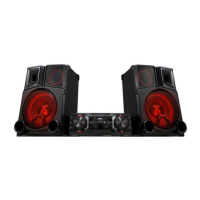
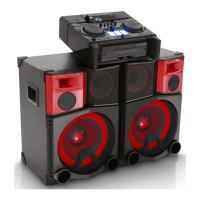
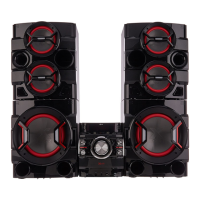
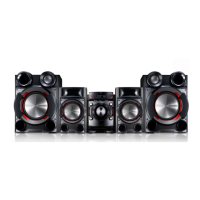
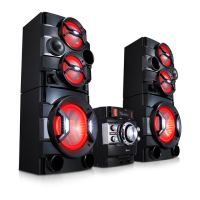
1-6
Push both Front key and RCU key to activate it for 5 seconds.
1. Disc Lock On/Off (CD Function Only Active)
Front Key : STOP
RCU Key : STOP
2. Check Version and Option code
Front Key : STOP
RCU Key : PLAY/PAUSE
You can change [Audio MCU Version <-> CD Controller Version <-> EEPROM Option] by SKIP+/-.
3. Clear EEPROM
Front Key : STOP
RCU Key : SKIP-
4. Edit EEPROM
Front Key : STOP
RCU Key : SKIP+
You can change the digit of option by SKIP+/-.
You can edit 0~f by REPEAT or PLAY/PAUSE key.
5. Bluetooth DUT
Front Key : STOP
RCU Key : PROGRAM
Bluetooth model only
6. Power Disc Lock On/Off (CD Function Only Active)
Front Key : STOP
RCU Key : EQ
7. Amp Clip On/Off
Front Key : STOP
RCU Key : Mute
Amp Clip Mode Change (Amp Clip On --> Amp Clip Off --> Level Down display)
8. Demo ALL Key Lock (CM9520/CM8520 Only)
Front Key : STOP
RCU Key : 9
Demo All Key Lock Change (All Key Lock On --> All Key Lock Off)
- Working on Demo Operation only
- When All Key Lock, Volume Key work only
- After All Key Lock Off, it can unlock Demo Mode
HIDDEN KEY MODE



 To Next Page
 Loading...