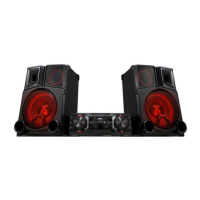
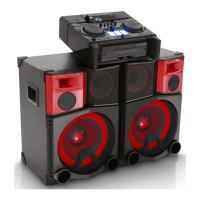
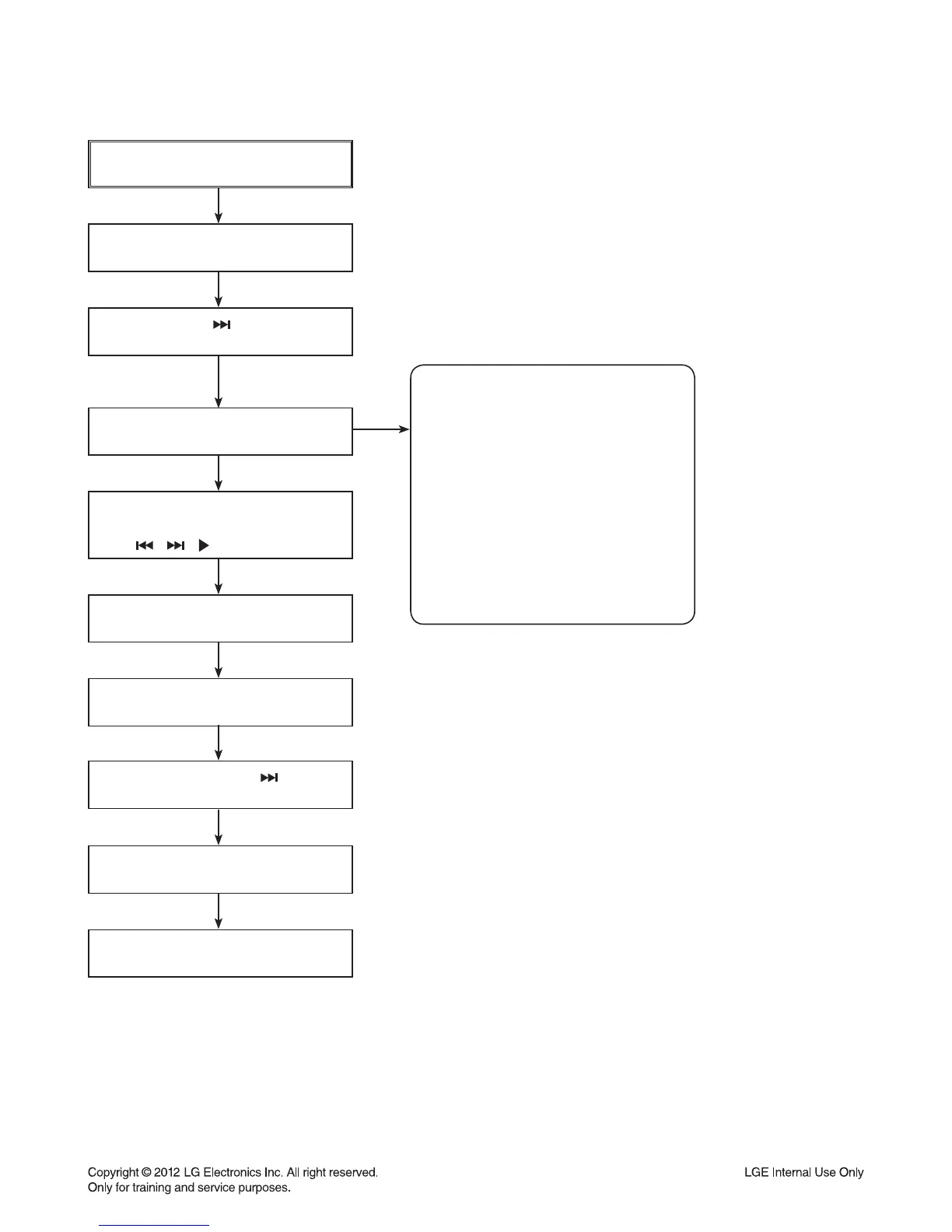
POWER ON
FLD no disc status
Remote control ‘ ’ + Front ‘STOP’
push same timing during 5 seconds.
FLD ‘OP-0….
Move to appropriate position and
make changes with remote control.
( , , /■ , REPEAT )
Press STOP key
FLD ‘write ok’
Remote control ‘ ’ +
Front ‘STOP’ push same timing.
FLD ‘E2P CLR’
Completed
NAME
OP0
OP1
OP2
OP3
OP4
OP5
OP6
OP7
OP8
OP9
DETECT
* MODEL.SUFFIX
<A> CM9730-DB.DDEULLK
<B> CM9730-FB.DARELLS
<C> CM9730-FB.DGHALLS
NEW EEPROM
(OPTION EDIT SCREEN)
HEX
<A>
05
00
00
00
00
81
80
50
00
01
HEX
<B>
05
00
00
00
00
01
80
42
00
01
HEX
<C>
05
00
00
00
00
01
80
46
00
01
1-7
SERVICE INFORMATION FOR EEPROM



 To Next Page
 Loading...