To Next Page
P
Phillip MitchellAug 10, 2025
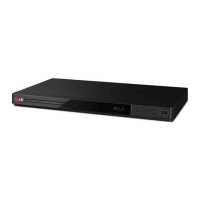
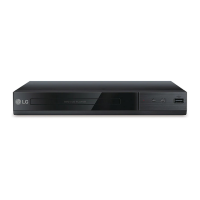
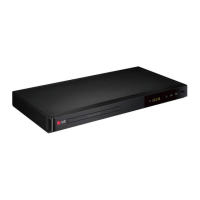
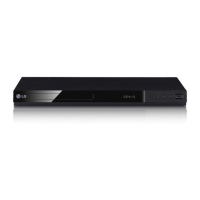
How to fix an LG DP431 with no power?
- BBrittney SmithAug 10, 2025
If your LG DVD Player has no power, the power cord might be disconnected. Make sure to securely plug the power cord into the wall outlet.

How to fix an LG DP431 with no power?
If your LG DVD Player has no power, the power cord might be disconnected. Make sure to securely plug the power cord into the wall outlet.
Why is my LG DP431 DVD Player remote control not working?
If the remote control for your LG DVD Player isn't working properly, make sure you're pointing it at the remote sensor on the unit. Also, try operating the remote control closer to the unit.
Why does my LG DVD Player have no sound?
If your LG DVD Player has no sound, check that the equipment connected with the audio cable is set to receive the signal from the unit by selecting the correct input mode on the audio amplifier. Also, verify that the AUDIO options are set correctly.
What to do if there is no picture on my LG DVD Player?
If you're not getting a picture from your LG DVD Player, it could be that the TV is not set to receive the signal from the unit. Select the appropriate video input mode on the TV. Also, ensure the video cable is securely connected.
What to do if my LG DVD Player does not start playback?
If your LG DVD Player doesn't start playback, it might be due to an unplayable disc. Insert a playable disc, checking the disc type and regional code. Alternatively, the rating level may be set; try changing the rating level.
How to resolve poor picture quality and sound distortion on LG DP431 DVD Player?
If you're experiencing poor picture quality and sound distortion with your LG DVD Player, fingerprints and dust might be on the disc. Wipe the disc from the center to the outside with a clean cloth. Avoid using strong solvents like alcohol, benzine, thinner, or commercially available cleaners.
 General
| Type | DVD Player |
|---|---|
| Progressive Scan | Yes |
| Remote Control | Yes |
| USB Port | Yes |
| HDMI Output | Yes |
| Playable Media Format | DVD, CD |
| Video Output | Composite, Component |