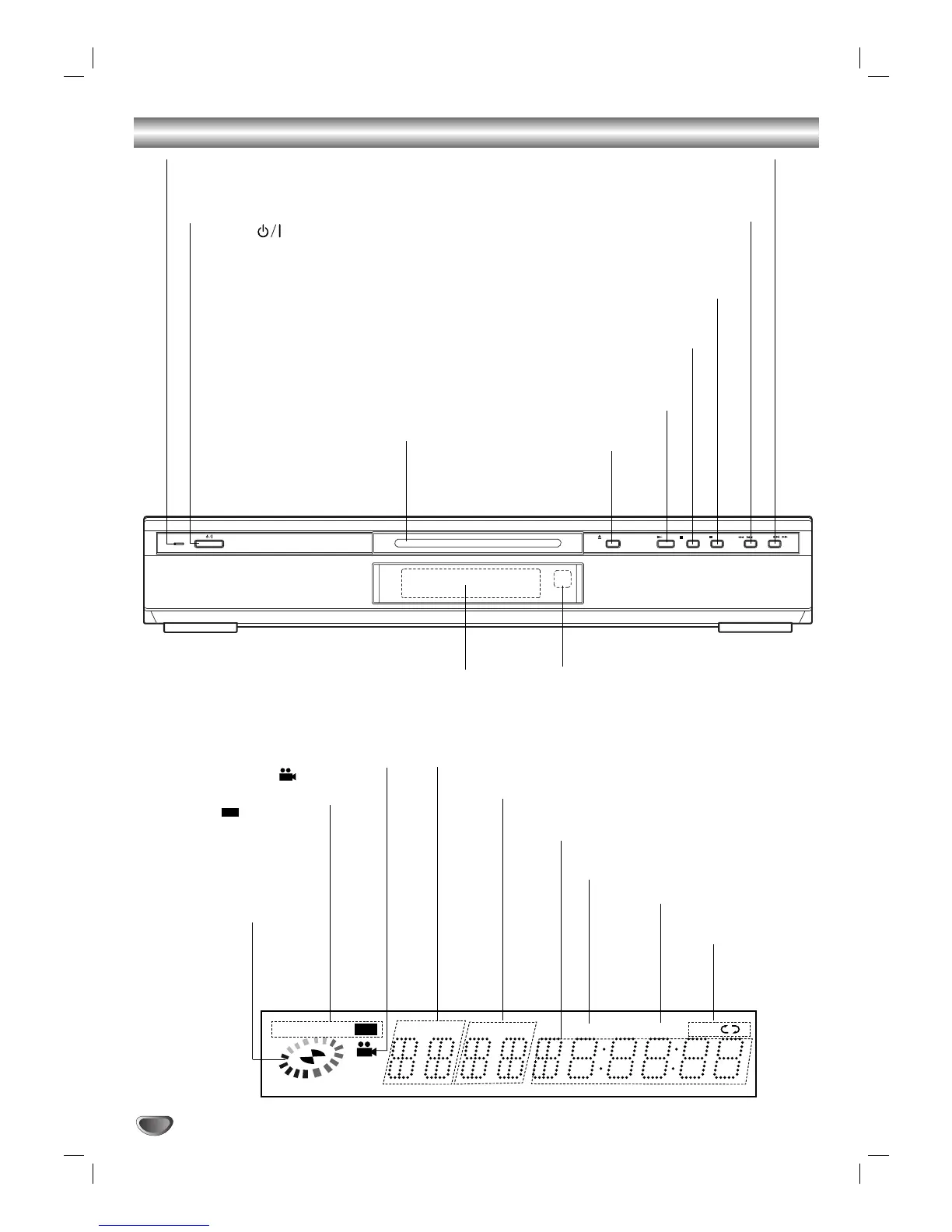
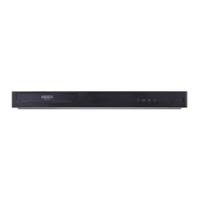
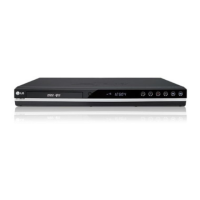
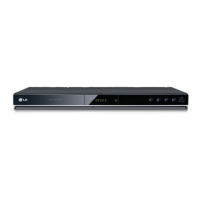
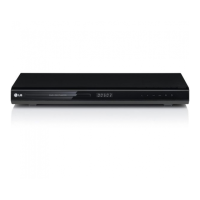
Forward SKIP/SCAN (
TT
/
RR
)
Go to NEXT chapter/track.
Press and hold for two seconds for a fast forward search.
Reverse SKIP/SCAN (
QQ
/
SS
)
Go to beginning of current chapter/track or to PREVIOUS
chapter/track.
Press and hold for two seconds for a fast reverse search.
STOP (
99
)
Stops playback.
PAUSE/STEP (
;;
)
Pause playback temporarily / press repeatedly
for frame-by-frame playback.
PLAY (
22
)
Starts playback.
OPEN/CLOSE (
//
)
Opens or closes the disc tray.
Standby indicator
Lights red when the player is
in Standby mode (off).
Remote Sensor
Point the DVD Player remote control here.
Display window
Shows the current status of the player.
Indicates current
player function:
Playback, Pause,
etc.
ANGLE active
DVD inserted
CD Audio CD inserted
MP3 MP3 disc inserted
TITLE Indicates current title number
CHP/TRK Indicates current chapter or
track number
Indicates total playing time/
elapsed time
PROG. Programmed playback active
RANDOM RANDOM
playback active
Indicates repeat
mode
Disc Tray
Insert a disc here.
POWER ( )
Switches the player ON and OFF.


 To Next Page