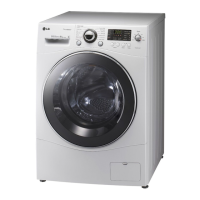
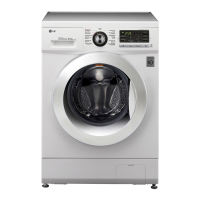
24
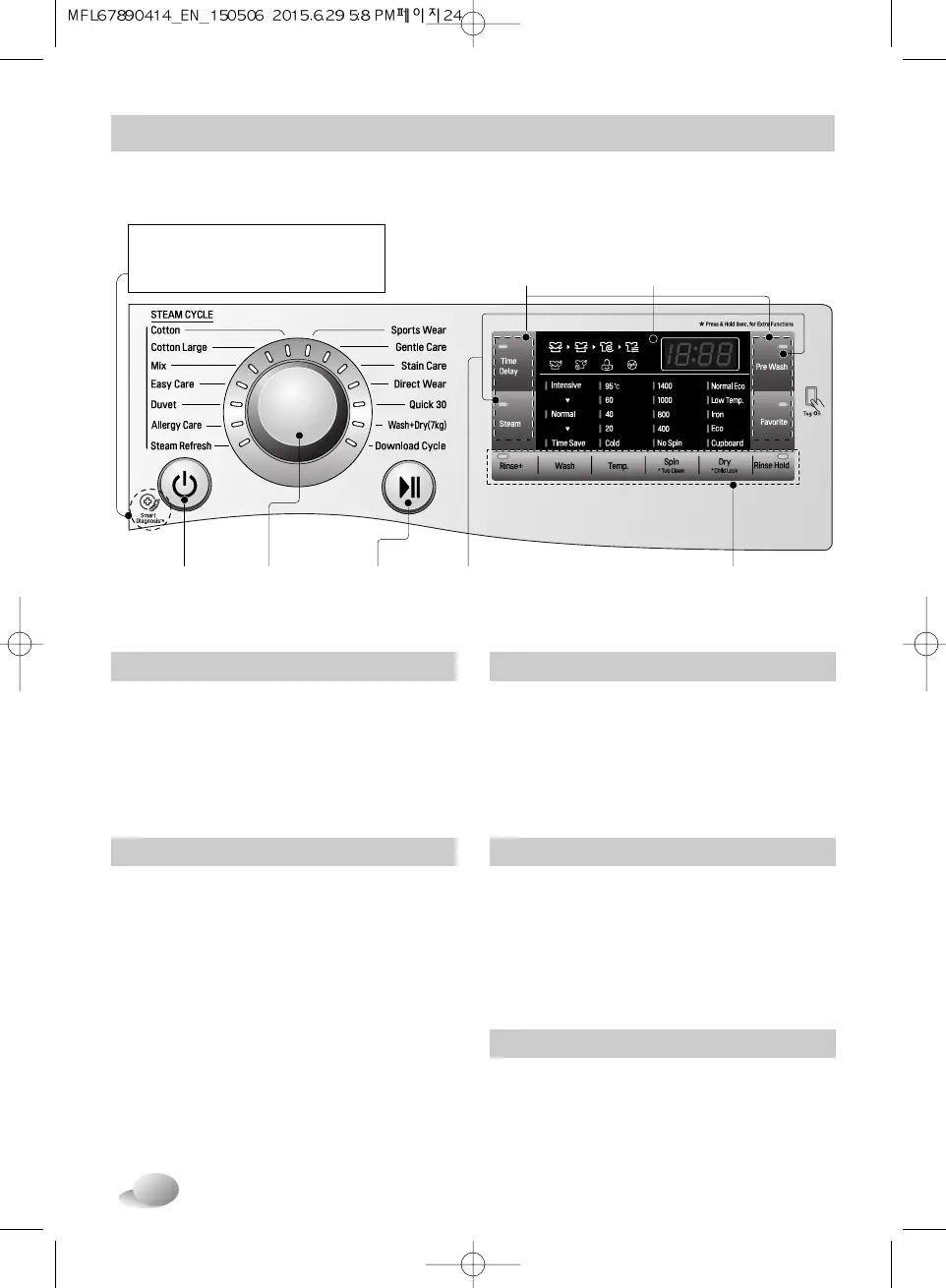
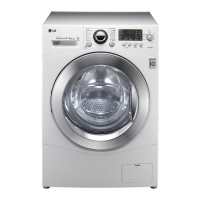
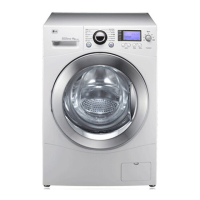
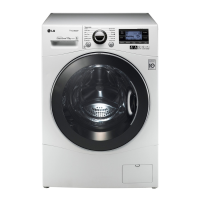
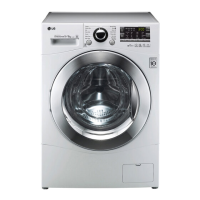
■ Control panel
How to use washer
Power
• Press the Power button to turn power on
and off.
• To cancel the Time Delay function, the
power button should be pressed.
Program button
• Programs are available according to the
laundry type.
• Lamp will light up to indicate selected
program.
LED display
• The display shows the settings, estimated
time remaining, options, and status
messages for your washer.
The display will remain on through the
cycle.
Start/Pause
• This Start/Pause button is used to start
wash cycle or pause the wash cycle.
• If temporary stop of wash cycle is
needed, touch the Start/Pause button.
• When in Pause, the power is turned off
automatically after 4 minutes.
Options
• This allows you to select an additional
cycle and will light when selected.
• Use these buttons to select the desired
cycle options for the selected cycle.
Start/Pause
button
Beep
On/Off
Power
button
Option
buttons
Additional
program
buttons
LED
display
Program
dial
SmartDiagnosis™ function is
available only for the products with
a SmartDiagnosis™ mark.


 To Next Page