11
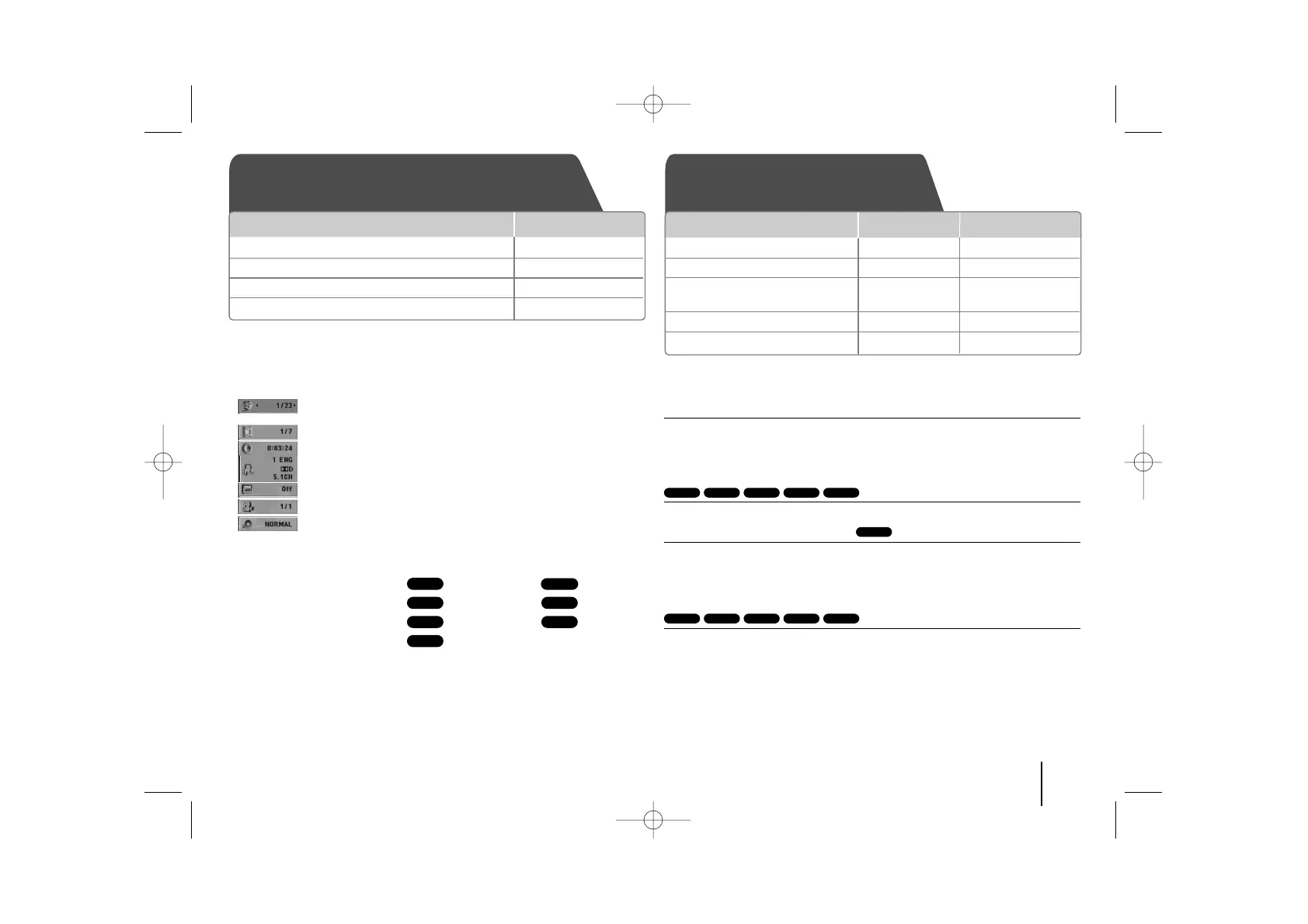
Displaying Disc Information - more you can do
You can select an item by pressing
UU uu
and change or select the setting by
pressing
II ii
.
Current title (or track/ file)
number/ total number of titles (or tracks/ files)
Current chapter number/ total number of chapters
Elapsed playing time
Selected audio language or channel
Selected subtitle
Selected angle/ total number of angles
Selected sound/ EQ mode
Symbol Used in this Manual
All discs and file listed below MP3 files
DVD and finalized DVD±R/RW WMA files
DivX files
Audio CDs
JPEG files
Playing a Disc or file - more you can do
Mixed disc or USB Flash Drive – DivX, MP3/ WMA and JPEG
When playing a disc or USB Flash Drive containing with DivX, MP3/ WMA and
JPEG files together, you can select menu of files which you would like to play
by pressing MENU.
Moving to the previous/ next page on the file list menu
Press and hold
UU uu
to move to the previous or next page.
Playing a DVD that has a menu
Most DVDs now have menus which load first before the film begins to play.
1 You can navigate these menus using
UU uu II ii
to highlight an option.
2 Press PLAY to select.
Skipping to the next/ previous chapter/ track/ file
Press SKIP (>) to move to the next chapter/ track/ file.
Press SKIP (.) to return to the beginning of the current chapter/ track/ file.
Press SKIP (.) twice briefly to step back to the previous chapter/ track/ file.
ACDDivXDVDWMAMP3
DVD
JPGACDDivXWMAMP3
JPG
ACDDivX
WMA
DVD
MP3
ALL
Displaying Disc information Playing a Disc or file
1 Press
DISPLAY
2Select an item
UU uu
3 Adjust the display menu settings
II ii
4To return the exit
OO
RETURN
ON REMOTE
ON UNIT
ON REMOTE
1 Insert a disc on unit
2 Select a DVD/CD FUNC. FUNCTION
3 Adjust the menu settings /
II ii UU uu
Select a file from the menu
4Start the Disc playing
BB // XX
BB
PLAY
5To stop the Disc playing
xx xx
STOP



 To Next Page