15
Listening to the DAB
DAB (Digital Audio Broadcasting) is a new form of radio broadcasting
using digital signals rather than traditional analogue signals.
DAB provides listeners CD-like quality radio programs. DAB can
carry not only audio but also text.
DAB+(Digital Audio Broadcasting plus) is supported on the unit. For
DAB+ transmission efficiency is improved more than DAB.
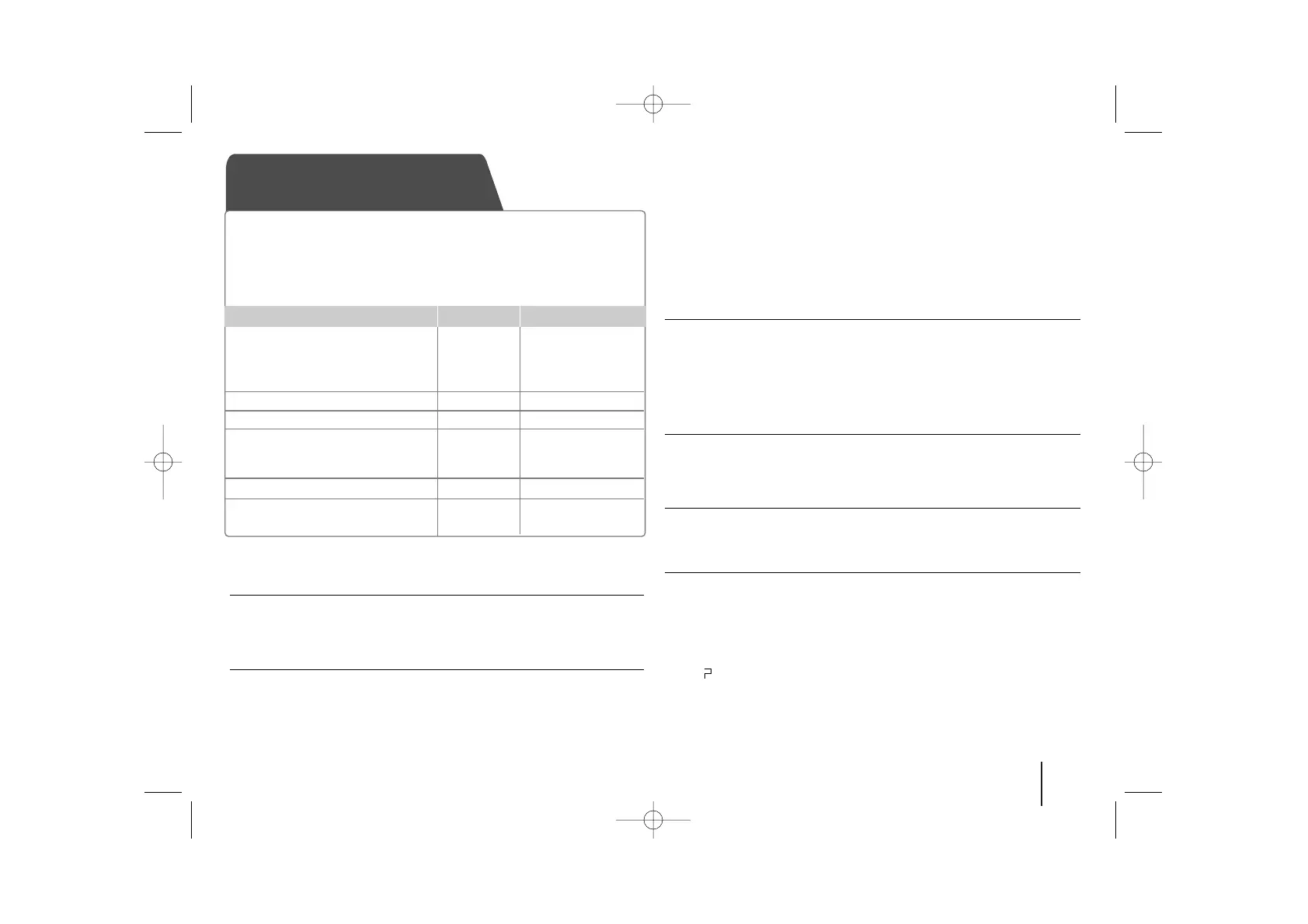
1. Select the DAB function:
The frequency received first after
scanning DAB bands is
broadcasted.
2. Select the DAB radio station
3. Play the selected channel
4. To ‘save’ a DAB radio station:
A preset number will show in the
display.
5. To select a ‘saved’ station
6. To confirm press: Up to 50 radio
stations can be saved.
ON UNIT
ON REMOTE
FUNC.
]] IIII
/
ii ii ]]
BB
/
XX
FUNCTION
CH.-TUN./ CH.+TUN.
BB
PROG./MEMO.
PRESET
UU uu
PROG./MEMO.
Listening to the DAB - more you can do
Deleting all the saved radio stations
1 Press and hold PROG./MEMO. for two seconds.
- “ERASE ALL” will flash up on the display.
2 Press PROG./MEMO. to erase all saved radio stations.
DAB mode
You can change the display information of the currently broadcasting
DAB channel. Press DAB MODE on the remote control repeatedly, the
display changes in the following order, SERVICE
→
PTY NAME
→
FREQ
→
DLS
→
QUALITY
→
ENSEMBLE.
Select a display mode and then press CH.-TUN./CH.+TUN., the initials
of the service name are displayed.
SERVICE - Displays the Name of Component for the current broadcast.
PTY NAME - Displays the Type of Component for the current broadcast.
FREQ - Displays the frequency of Component for the current broadcast.
DLS - It displays the current Scroll of Component which is selected.
QUALITY - It displays the current strength of electric field of broadcasting
which it doing in Bar form.
ENSEMBLE - Displays the Ensemble of Component for the current
broadcast.
Aligning the service names
Press SCAN/SORT on the remote control to display the sorting mode of
DAB broadcastings. Then, press the button once again to change the
mode.
Default sort : The service names are aligned in a scanning order.
Name sort : The service names are aligned in an alphabetical order.
DAB scan
Press SCAN/SORT on the remote control for longer than 3 seconds,
all of the DAB bands are scanned. Then press it again, scanning will
be canceled.
Deleting all of the saved DAB scan stations
Press and hold CLEAR
on the remote control
for 3 seconds. “DAB INIT”
will be displayed. Press CLEAR to erase all the saved stations.
Selecting among Primary and Secondary broadcastings
If secondary broadcasting channels exist,
the channel displayed, then
press PLAY (
BB
) on the remote control to select it.
Note
In following cases the broadcasting reception of DAB is not available.
Does “ ” mark arrear in front of the broadcasting stations name.
When the broadcasting signal is weak.
- Check the condition of broadcasting reception (check the QUEALTY)
When moving to other areas.
- Run “Deleting all of the saved DAB scan station” on the appear part



 To Next Page