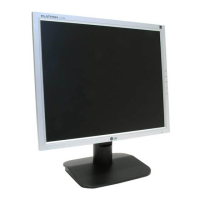
A7
On Screen Display(OSD) Selection and Adjustment
You were introduced to the procedure of selection and adjusting an item
using the OSD system. Listed below are the icons, icon names, and icon
descriptions of the items that are shown on the Menu.
OSD Adjust Description
Brightness
Used to adjust the brightness of the screen.
Contrast
Adjust the display to the contrast desired.
PRESET
TEMP
RED
GREEN
BLUE
6500K/ 9300K
To appear the displays color temperature.
• 6500K:Slightly reddish white.
• 9300K:Slightly bluish white.
User easily color set without adjustment Red,
Green and Blue (R/G/B).
To set your own color levels.
Vertical Position
To move image up and down.
Horizontal Position
To move picture image left and right.


 To Next Page