- 8 -
# 1
# 4
# 2
# 3
1. Pull the front cover upward.
2. Then, let the all latches are separated.
3. Put the front face down.
Disassemble back cover.
Copyright
Only for training and service purposes
LGE Internal Use Only
DISASSEMBLY-Set
2010 LG Electronics. Inc. All right reserved.
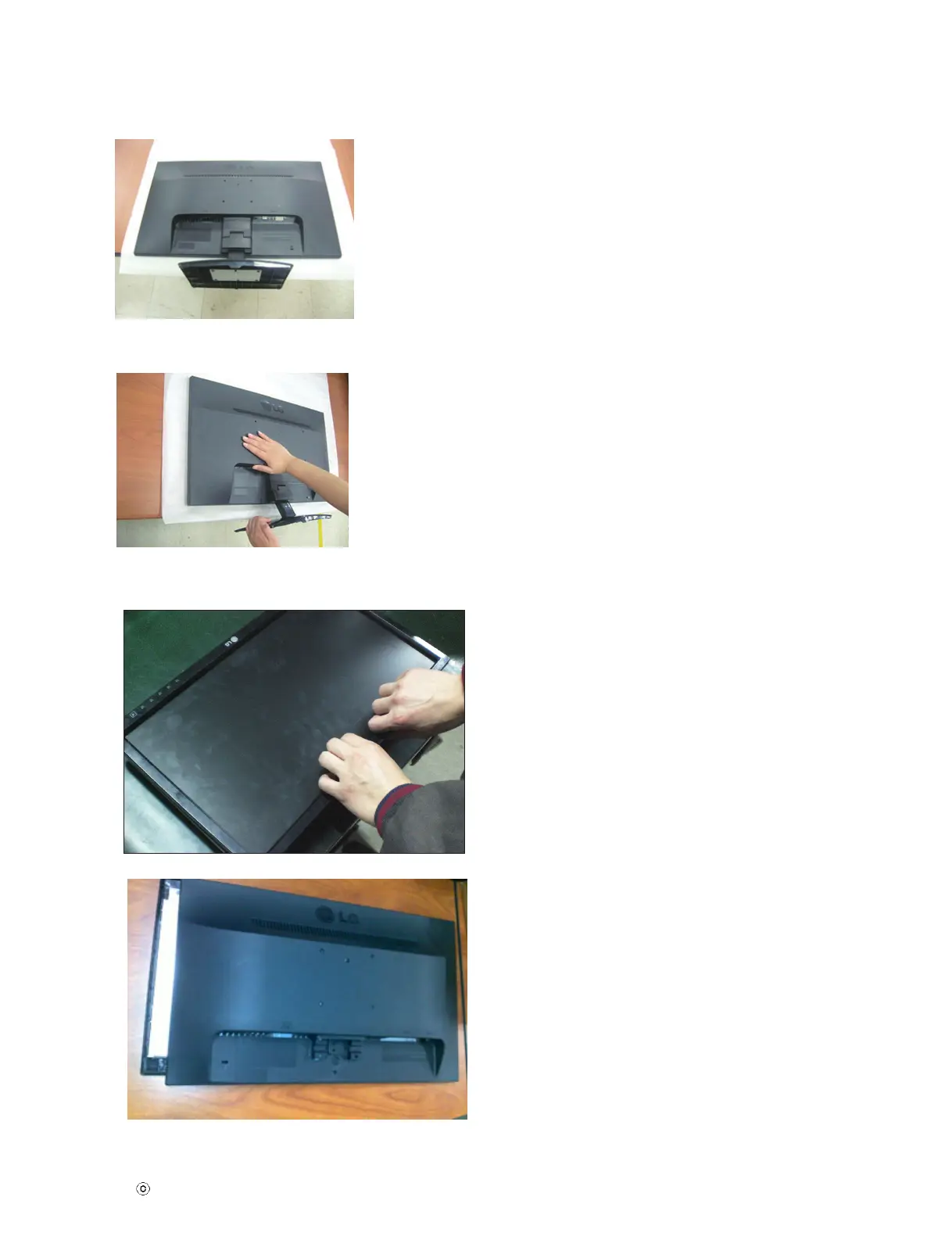
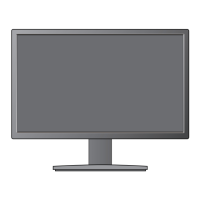
Place the monitor face Down on th
e
cushion or soft cloth.
Remove the Stand Body
and Stand
Base from product in correct
direction as shown in the picture.





 To Next Page