Useful App
70
Time-lapse
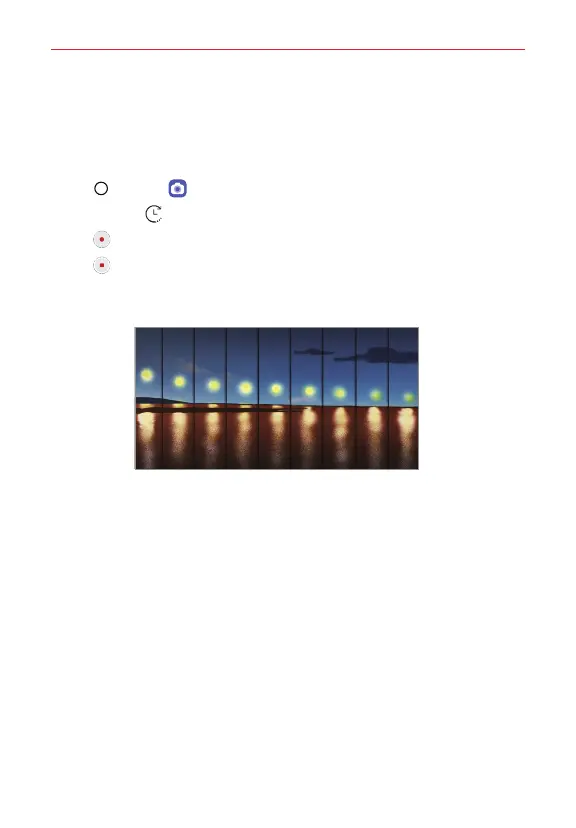
You can take a sequence of frames at set intervals to record changes that
take place slowly over time, such as cloud movements, celestial motions,
traffic, and more.
1. Tap Home > Camera.
2. Tap More > T ime-lapse.
3. Tap Record and record a video.
4. Tap Stop to end the video recording.
NOTE While recording a Time-lapse, voices are not recorded.



 To Next Page