Useful App
71
360 Panorama
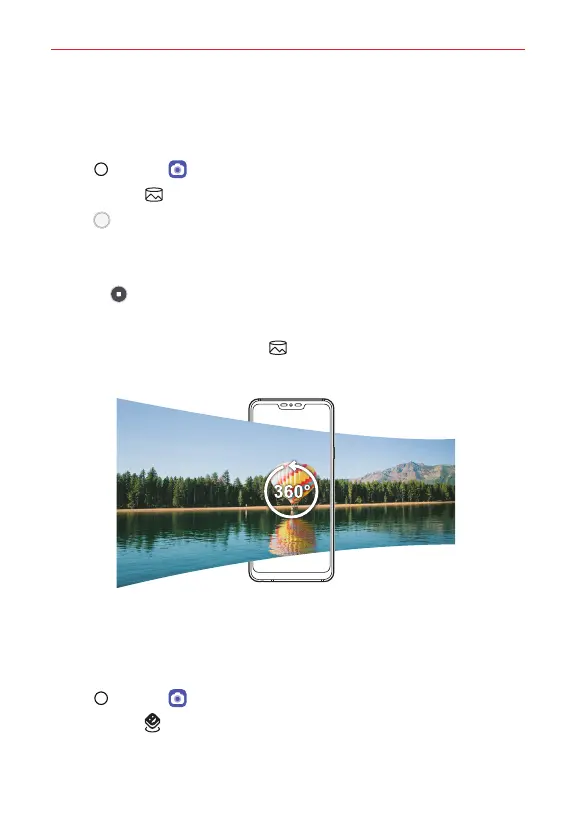
You can create a 360° panorama photo by moving the camera in one
direction.
1. Tap Home > Camera.
2. Tap More > 360° Panorama.
3. Tap Capture and then slowly move the camera in one direction.
Move the device by following the direction of the arrow in the
guideline.
Tap Stop to stop capturing the 360° panorama.
A 360 panorama photo is automatically saved in Gallery.
While viewing the photo, tap 360° Panorama and drag the screen
in any direction to view a 360 panorama photo from various angles.
AR Stickers
You can make images or videos come alive with Playmoji, characters that
react to you and to each other. Add stickers that animate around you and
fun captions that put words where the action is.
1. Tap Home > Camera.
2. Tap More > AR Stickers.



 To Next Page