Operating
58
Operating
4
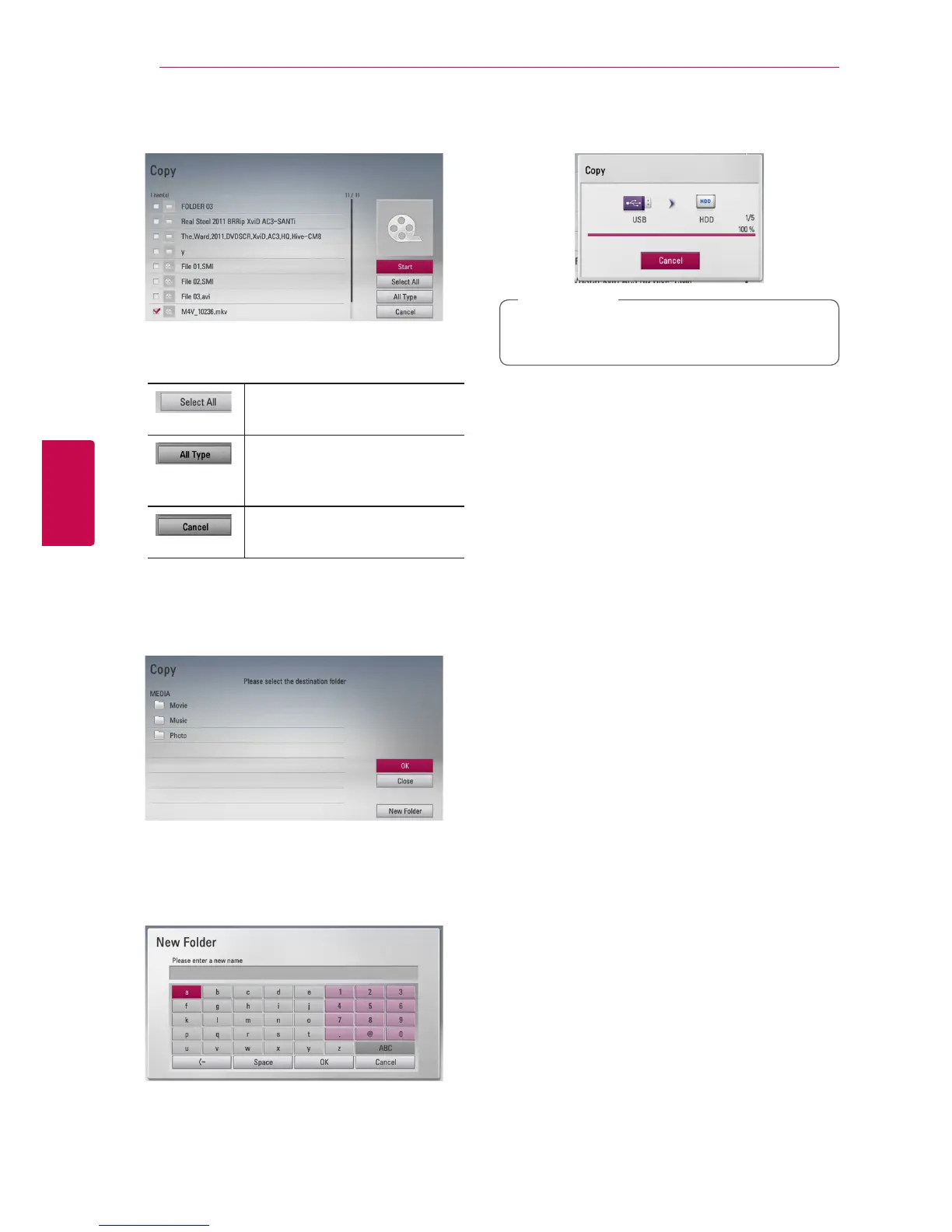
7. Use
W/S
to select a le or a folder you wish to
copy on the menu, and press ENTER (
b
).
Repeat this step to select les and folders as many
as you can.
Select all the les and folders
on the current directory.
Shows all type of les on the
screen. (Movie, Photo and
Music)
Cancels the copying and
returns to the previous screen.
8. Use
W/S/A/D
to select [Start], and press
ENTER (
b
).
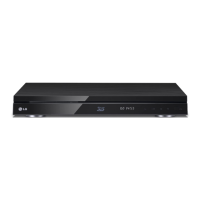
9. Use
W/S/A/D
to select the destination
folder to be copied.
10.
(Option)
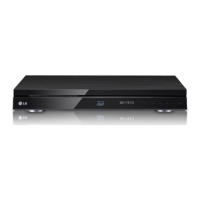
If you want to create a new folder, use
W/S/
A/D
to select [New Folder] and press ENTER
(
b
).
Enter folder name using virtual keyboard, and
press ENTER (
b
) while [OK] is selected.
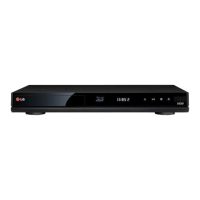
11. Use
W/S/A/D
to select [OK], and press
ENTER (
b
) to start copying.
Copying speed may vary depending on the le
size and number of les.
,
Note



 To Next Page