1-5
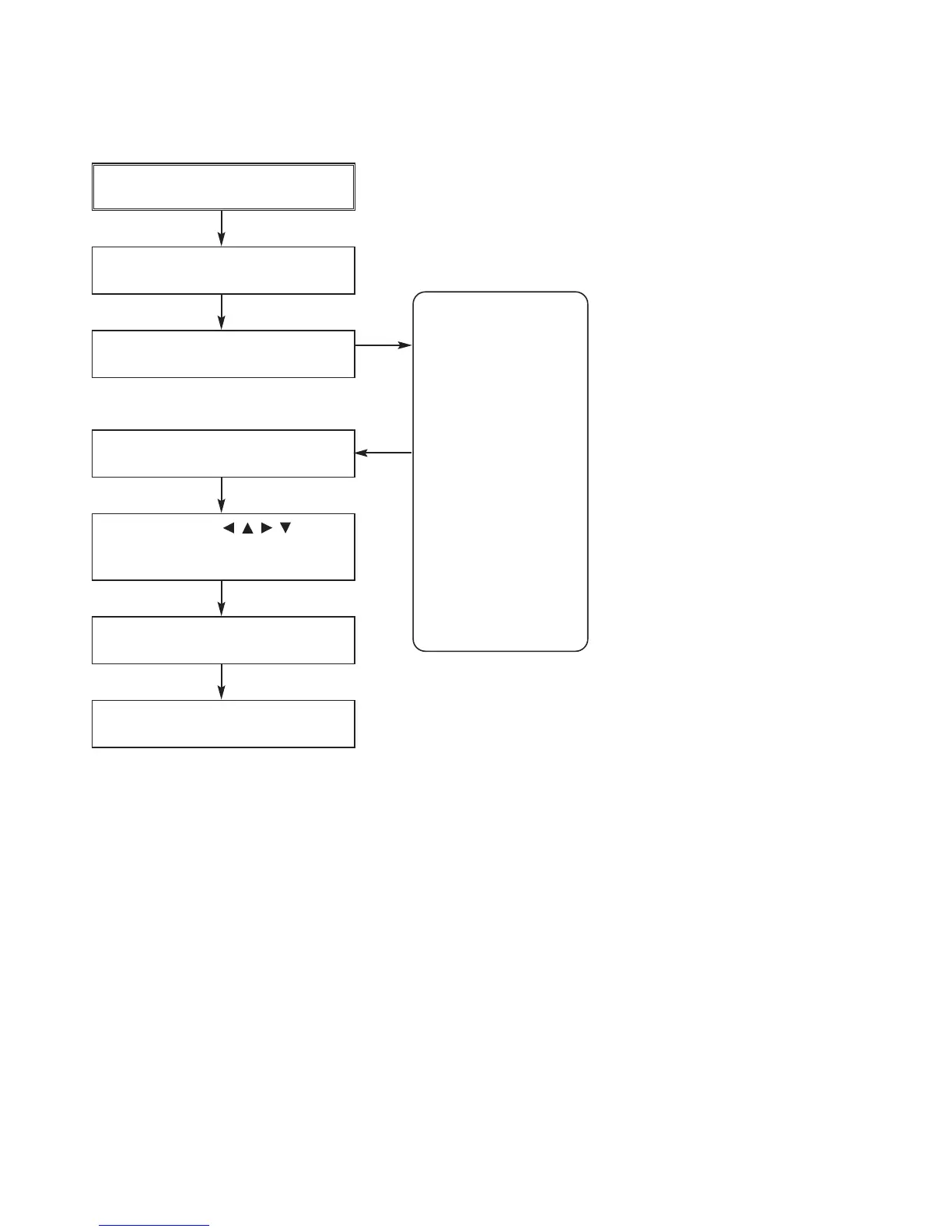
SERVICE INFORMATION FOR EEPROM(DVD PART)
POWER ON
DVD LOGO Status (NO Disk status)
Remotecontrol
Pause key-->1-->4-->7-->2 in order.
Press number 0~9, Press charater
A~F (1~6 for a while)
Use arrow key ( ) to
move to approprite position and
make changes
Press pause key once
Change will be applied when power
OFF-->ON.
NAME HEX
OPT 1 00
OPT 2 00
OPT 3 00
OPT 4 00
OPT 5 00
OPT 6 00
OPT 7 00
OPT 8 00
OPT 9 00
OPT A 00
OPT B 00
OPT C 00
OPT D 00
OPT E 00
OPT F 00
OPT G 00
DETECT NEW EEPROM
(OPTION EDIT SCREEN)
*Refer to page 6-1.



 To Next Page