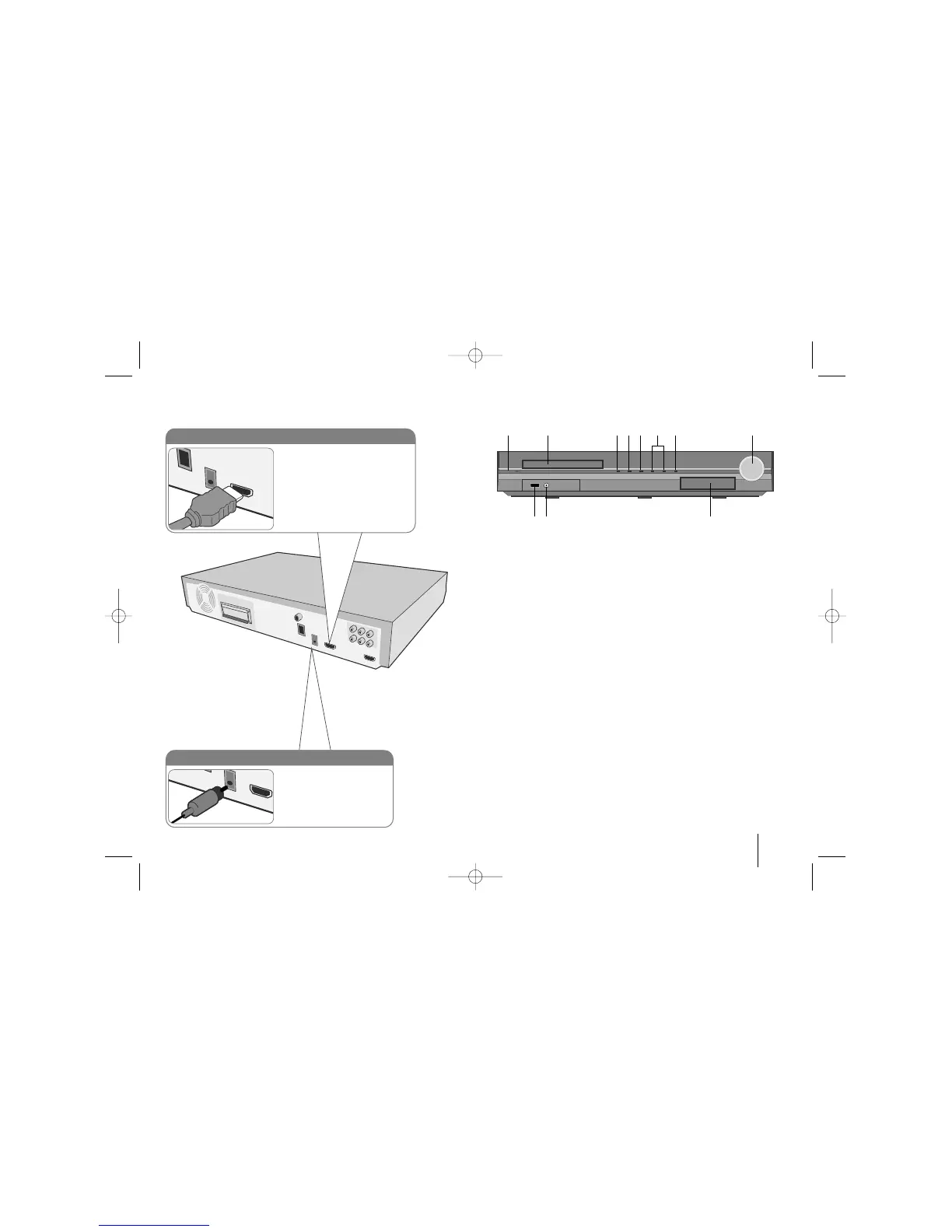
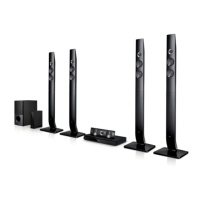
Hooking up the unit Main Unit
1 Power (
11
/
``
)
Turns the unit on and off.
2 DVD/CD Disc Drawer
3 Open/Close (
ZZ
)
4 Play/Pause(
BB
/
XX
)
5 Stop (
xx
)
6 TUNING (-/+) (
..>>
), Skip/Search
7 Function (FUNC.)
Selects the function and input source.
(DVD/CD, USB , OSD IPOD, IPOD, AUX, AUX OPT, PORTABLE, HDMI IN,
FM, AM)
8 Volume (VOLUME)
Controls the volume when using any function.
9
iPod Dock
10 PORT. (Portable) IN port
You can enjoy music from portable device on your unit.
11 USB port
You can play video, image and sound files by connecting the USB
device.
9
HDMI In connection
Connect the HDMI INPUT jack on
the unit to the HDMI output jack on
your Set-Top box (or Digital Device
etc.) using an HDMI cable. Set the
external source to HDMI IN by
pressing FUNCTION. In HDMI IN
mode, you can’t change the
resolution.
Digital Audio in connection
Connect the unit’s OPTICAL
IN jack to the optical out to
jack on your TV (or Digital
Device etc.)
12 34567 8
11 10 9



 To Next Page