EasyManua.ls Logo

LG HT903WA - User Manual

LG HT903WA
26 pages
Print Icon
To Next Page IconTo Next Page
Loading...
Model: HT903WA(HT903WA-AP, SH93WA-F/C/L/R/W, W93-T2)
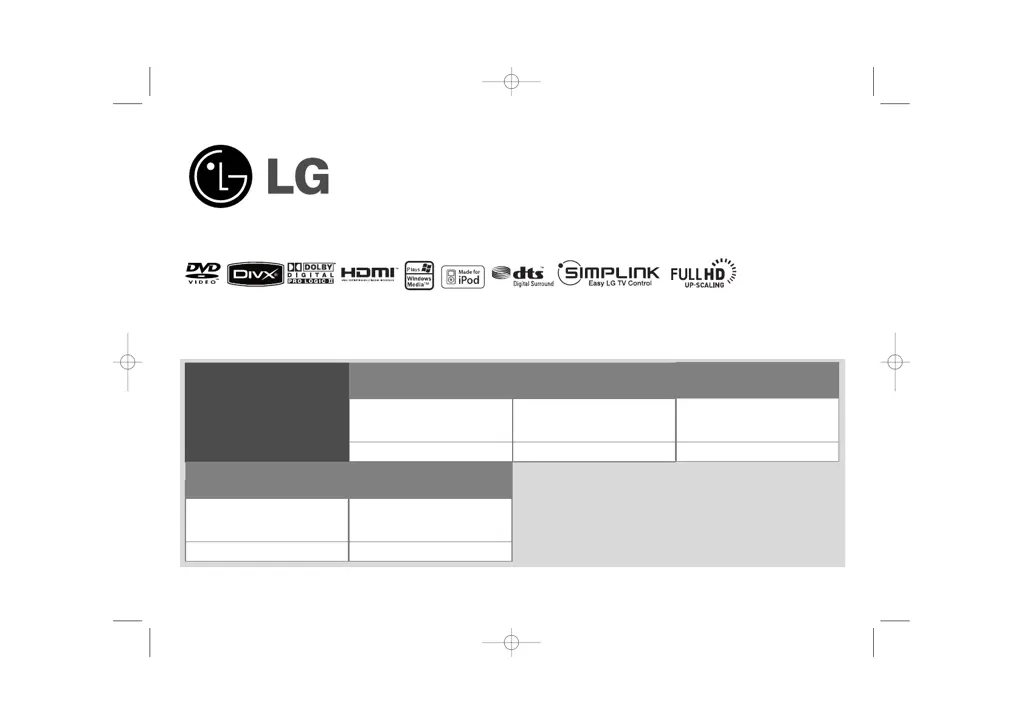
Unique Features
P/NO : MFL57006528
5.1ch ez Set-up
Listen sound from TV, DVD
and Digital Device with vivid
5.1ch mode.
Go to page 18
Full HD up-scaling
(1080p)
View Full HD picture quality
with simple setup.
Go to page 13
USB Direct Recording
Record music from CD to
your USB device.
Go to page 20
Portable In
Listen to music from your
portable device (MP3,
Notebook, etc).
Go to page 20
Made for iPod
Enjoy music from iPod with
simple connection.
Go to page 21
HT903WA-AP_DARELLK_ENG_6528 6/27/08 10:05 PM Page 1

Other manuals for LG HT903WA

Questions and Answers

  • M
    Morgan PerezAug 17, 2025
    What to do if my LG HT903WA DVD/CD will not play?
    • S
      Shelley JacksonAug 17, 2025
      First, make sure a playable disc is properly inserted with the label side up. Ensure that the menu is closed by pressing SETUP. If a parental lock is enabled, enter your password or adjust the rating level. Confirm the disc type, color system, and regional code are compatible.
  • J
    Joshua JenningsAug 19, 2025
    Why is there little or no sound from my LG HT903WA Home Theater System?
    • X
      xbarberAug 19, 2025
      If you experience little or no sound, verify that the connected equipment is set to receive the DVD signal output by selecting the correct input mode on the audio receiver. Also, ensure the audio cables are correctly and securely connected to both the speakers and the receiver. If the issue persists, the audio cables may be damaged and require replacement.
  • N
    Nicole DavisAug 22, 2025
    Why does my LG Home Theater System make a humming noise when playing a DVD or CD?
    • D
      Darryl RobinsonAug 22, 2025
      A humming noise during playback may occur if the disc is dirty; clean it with a soft cloth using outward strokes. Additionally, the DVD receiver may be too close to the TV, causing feedback. Try moving the DVD receiver and audio components further away from the TV.
  • J
    Jeff KeyAug 26, 2025
    Why is there no sound on my LG HT903WA?
    • S
      Shawn PierceAug 26, 2025
      If your LG Home Theater System has little or no sound, first, ensure that the equipment connected via the audio cable is set to receive the DVD signal output by selecting the correct input mode on the audio receiver. Next, verify that the audio cables are correctly connected to the speakers or receiver. Finally, if the problem persists, the audio cables may be damaged, and you should replace them.
  • F
    Francis KimAug 27, 2025
    Why is there no picture on my LG HT903WA Home Theater System?
    • M
      mallory44Aug 28, 2025
      If there's no picture, ensure your TV is set to receive the DVD signal by selecting the appropriate video input mode. Also, check that the video cables are securely connected to both the TV and the DVD receiver.
  • J
    joshua33Aug 30, 2025
    How to tune LG Home Theater System radio stations properly?
    • D
      doris04Aug 30, 2025
      Radio stations may not tune properly if the antenna connection is poor; check the connection and adjust its position. If the signal strength is weak, try tuning to the station manually.
  • S
    Sean JordanSep 2, 2025
    How to fix no picture on LG HT903WA Home Theater System?
    • J
      Jeff BrownSep 2, 2025
      If your LG Home Theater System shows no picture, ensure the TV is set to the correct video input mode to receive the DVD signal. Also, check that the video cables are securely connected to both the TV and the DVD receiver.
  • M
    michelleclaySep 5, 2025
    What to do if LG Home Theater System radio stations can’t be tuned in properly?
    • D
      Damon SanchezSep 5, 2025
      If your LG Home Theater System radio stations can’t be tuned in properly, check the antenna connection and adjust its position. If the signal strength is weak, try tuning to the station manually. Also, make sure the remote is pointed directly at the unit and is within 23 feet (7m). Remove any obstacles between the remote and the unit.
  • J
    Joseph GrahamSep 7, 2025
    Why won't my LG HT903WA play DVDs or CDs?
    • P
      Patrick ValdezSep 8, 2025
      If your LG Home Theater System DVD/CD will not play, check if a disc is inserted. Ensure the inserted disc is playable, compatible with the system (check the disc type, colour system and regional code), and inserted correctly with the label side facing up. If a menu is open on the screen, press SETUP to close it. If there is a parental lock, enter your password or change the rating level.
  • H
    hlyonsSep 10, 2025
    How to stop humming noise on LG HT903WA Home Theater System while playing a DVD or CD?
    • N
      Nicholas PetersenSep 12, 2025
      If you hear a humming noise while playing a DVD or CD on your LG Home Theater System, clean the disc using a soft cloth with outward strokes. Additionally, try moving the DVD receiver and audio components further away from your TV to reduce feedback.

Summary

Unique Features Overview

Safety Precautions

General Safety Warnings

Essential warnings and cautions to prevent electric shock, fire, and ensure safe operation.

Setting Up Speakers

Connecting Speakers to Receiver

Details on connecting the speaker cables to the main unit using color coding.

Connecting System Components

Attaching Wireless Transmitter

Steps for connecting the wireless transmitter to the DVD receiver.

Wireless Transmitter Indicators and ID Setup

Setting Wireless Transmitter ID

Procedure to set or reset the ID for wireless speakers to avoid interference.

Connecting External Devices

Video and Audio Connections

Guides on connecting video (out) and audio (in) ports using various cables.

Component Video Connection

Details on connecting component video output to TV input using Y PB PR cables.

Advanced Connectivity Options

HDMI Output Configuration

Connecting the unit to a TV via HDMI for high-definition video output.

Digital Audio Input

Connecting digital audio sources using the optical input jack.

Resolution and External Source Settings

Adjusting video resolution and enjoying audio from external sources.

Remote Control Functions

Remote Control Button Guide

Detailed explanation of each button's function on the remote control.

Main Unit Overview

Main Unit Controls and Ports

Identifies and explains the functions of buttons, ports, and indicators on the main unit.

System Setup and Configuration

Initial Language and Area Code Setup

Guides for setting the initial OSD language and geographic area code.

Display Settings

Adjusting Aspect Ratio and Resolution

How to set TV aspect ratio, display mode, and video output resolution.

Audio Settings

Speaker Setup and Audio Enhancements

Configuring 5.1 speaker setup, distance, and audio enhancement features.

Disc Playback Operations

Advanced Disc Playback Features

Radio and Surround Sound Setup

USB Music Playback

CD to USB Recording

iPod Music Playback

Troubleshooting

Power, Picture, and Sound Issues

Solutions for common problems related to power, video display, and audio output.

Disc Playback and Noise Resolution

Troubleshooting steps for disc errors, poor picture quality, and operational noises.

Radio and Remote Control Fixes

Addressing issues with radio tuning, reception, and remote control functionality.

LG HT903WA Specifications

General IconGeneral
TypeHome Theater System
Total Power Output1000W
Speaker Configuration5.1
Blu-ray PlayerYes
3D PlaybackYes
HDMI Inputs2
USB PlaybackYes
DVD PlayerYes
HDMI Output1
USB Port1
BluetoothNo
Audio Formats SupportedDolby Digital, DTS

Related product manuals