4
Setting up
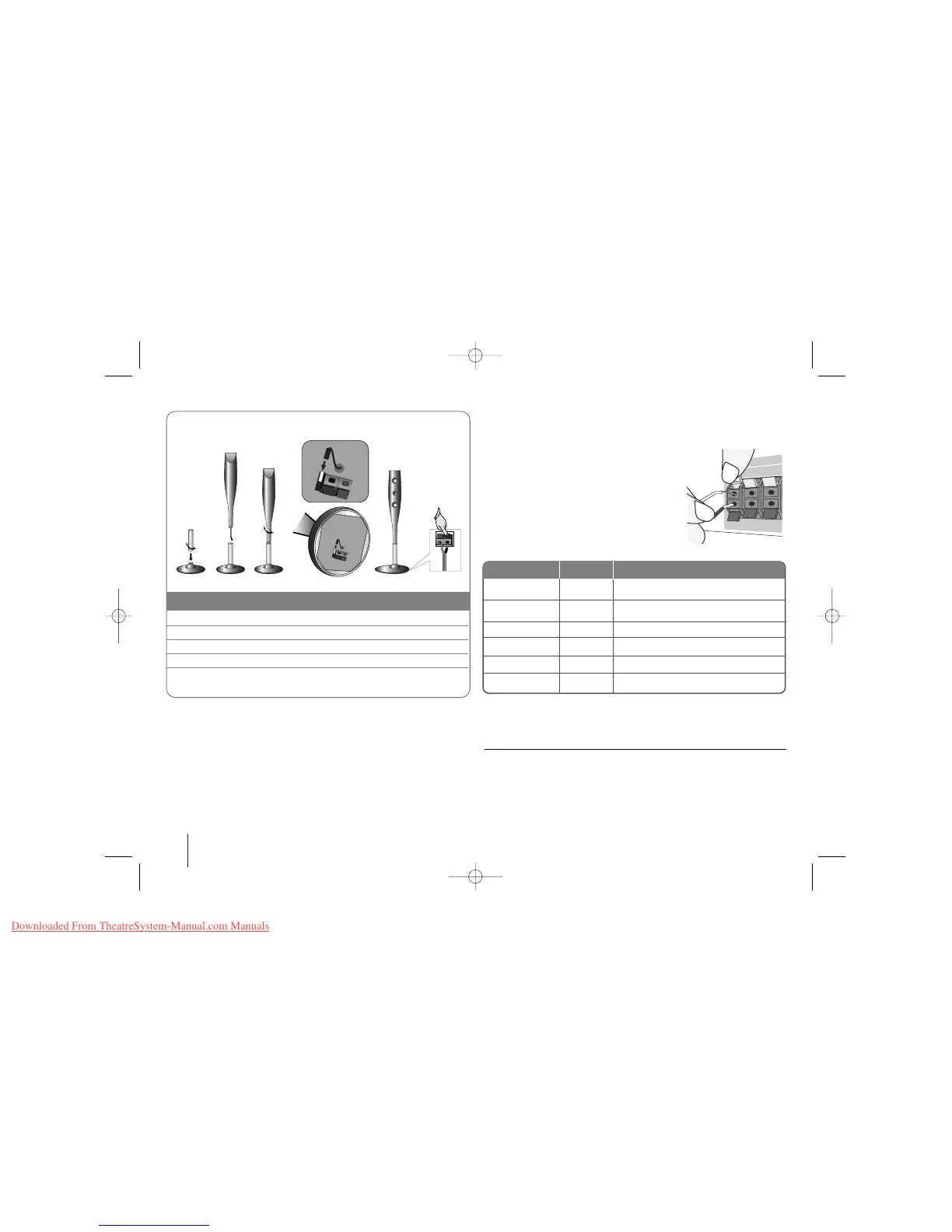
Attaching the speakers to the DVD receiver
aa
You will have received six speaker cables.
Each one is colour-coded by a band near each end and connects one of
the six speakers to the DVD receiver.
bb
Connect the wires to the DVD receiver.
Match each wire’s coloured band to the same coloured connection
terminal on the rear of the DVD receiver. To connect the cable to the DVD
receiver, press each plastic finger pad to open the connection terminal.
Insert the wire and release the finger pad.
Connect the black end of each wire to the
terminals marked -(minus) and the other end
to the terminals marked + (plus).
cc
Connect the wires to the speakers.
Connect the other end of each wire to the
correct speaker according to the colour
coding
:
To connect the cable to the speakers, press each plastic finger pad to open the
connection terminals on the base of each speaker. Insert the wire and release
the finger pad.
Be careful of the following
• Be careful to make sure children do not put their hands or any objects into
the *speaker duct.
*Speaker duct: A holl for plentiful bass sound on speaker cabinet(enclosure).
• Use the rear speaker at least 30 CM away from either TV screen or PC
monitor
REAR R
FRONT R
CENTER
SUB WOOFER
REAR L
FRONT L
Grey
Red
Green
Orange
Blue
White
Behind you and to your right.
In front of you, to the right of the
screen.
Above screen, directly in front of you.
This can be placed in any front position.
Behind you and to your left.
In front of you, to the left of the screen.
POSITION
SPEAKER
Main Unit
1 Fix the post to the base by rotating the post.
2 Draw the connector cable through the hole on the stand.
3 Fix the speaker to the stand by rotating the speaker.
4 Connect the connector cable between the speaker and base.
5 Connect the speaker cord to the appropriate terminals on the
speaker.
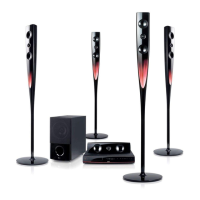
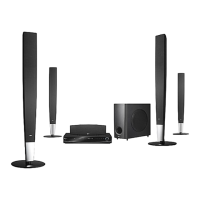
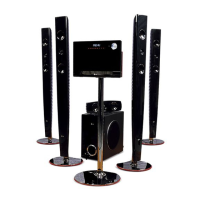
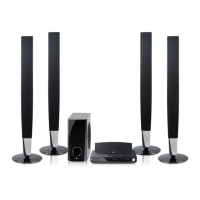
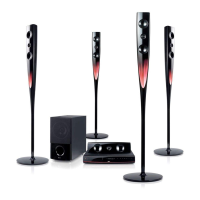
The speakers are detached from the speaker stands.
Assembling the Speakers
aa
bb
cc
dd
ee


 To Next Page