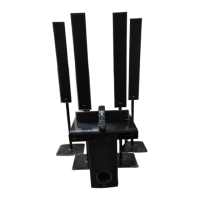
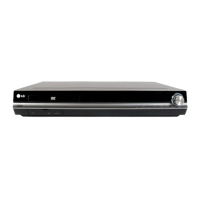
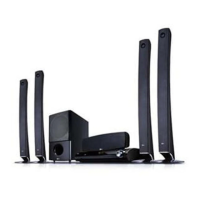
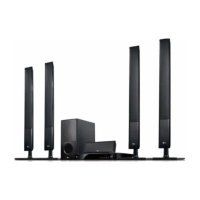
Optional Equipment
Connection
HDMI IN connection
You can enjoy the pictures and sound of your
component with this connection.
Connect the HDMI IN 1 or HDMI IN 2 jack on
the unit to the HDMI output jack on your Set-
Top box (or Digital Device etc.) using an HDMI
cable. Set the external source to HDMI IN 1 or
HDMI IN 2 by pressing
t
RADIO&INPUT.
HDMI IN Connection
To the MDMI OUT jack
of your component
(set-top box, digital
satellite receiver,
video game machine,
etc.)
NOTE
• You cannot change the video resolution at the
HDMI IN 1 or HDMI IN 2 mode. Change the
video resolution of the connected component.
• If the video output signal is abnormal when
your personal computer is connected to HDMI
IN 1 or HDMI IN 2 jack, change the resolution of
your personal computer to 480p (or 576p), 720p,
1 080i or 1 080p.
• The video signal from the HDMI input cannot be
output from the component or composite video
outputs.
• The player sends audio from the HDMI inputs
to both the HDMI output and to the unit’s
speakers.
• You cannot operate SIMPLINK function at the
HDMI IN mode.


 To Next Page
 Loading...