LG KF510 | User Guide
20
THE BASICS
Calls
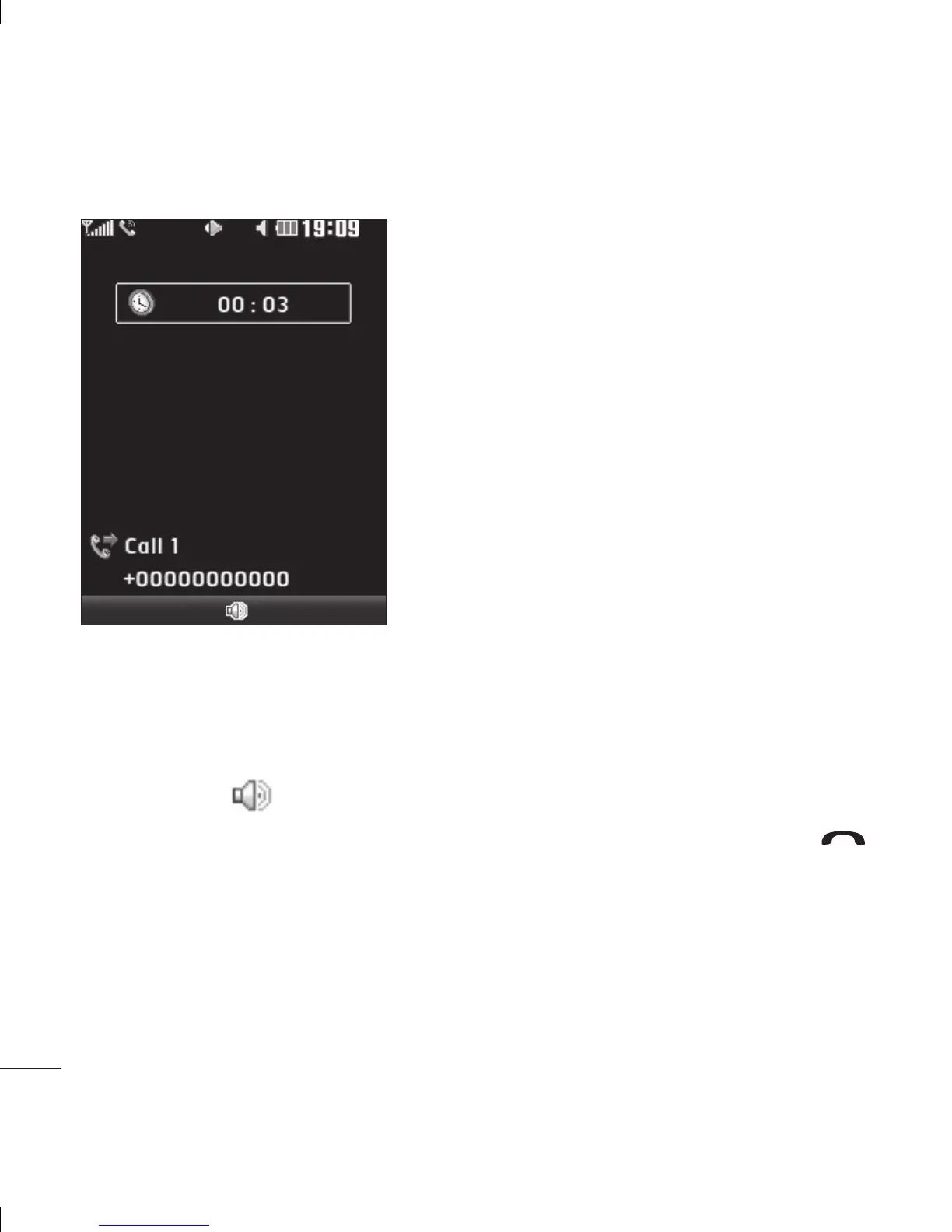
In-call options
Options - Choose from a list of further in-call
options, including
Contacts and Messaging
so you can check your messages and add
contacts during a call.
Speaker - Touch to turn on the speaker
phone.
Mute - Touch Mute to turn off the
microphone so the person you are talking to
cannot hear you.
Adjusting the call volume
To adjust the volume during a call, press the
volume keys on the left hand side of your
phone.
Speed dialling
You can assign a speed dial number to a
contact you call frequently.
1 Touch Contacts, then select Speed dials.
2 Your voicemail is set to speed dial 1 and
you cannot change this. Select any other
number either by using the touchpad
arrows and touching
Assign or by
pressing the hard key number.
3 Your address book will open. Select the
contact you’d like to assign to that number
using the touchpad arrows, then touch
OK.
To call a speed dial number, press and
hold the assigned number until the contact
appears on screen. The call will initiate
automatically; there’s no need to touch
.
Options Mute
Vi
To
to
Al
dia
Mi
ha
Di
nu
Re
nu
Ca
ha
Ca
La
de
su
Da
yo
T
c
r
T
s
c


 To Next Page