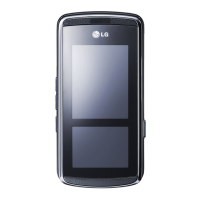
LG KF510 | User Guide
54
GET ORGANISED
Organiser To
Sharing a calendar event
1 From the standby screen touch Menu, and
select
Organiser, then Calendar.
2 Select the event you would like to share
and choose
Options.
3 Choose Send via and select from Text
message
, Mutimedia message,
Bluetooth or Email.
Adding a memo
1 From the standby screen touch Menu, and
select
Organiser, then Memo.
2 Select New and type your memo.
3 Touch Save.
4 Your memo will appear on screen the next
time you open the memo application.
TIP! You can edit an existing memo. Select
the one you want to edit, touch Options and
select Edit.
Se
1
2
3
4
5
6
7
8
No
Us
1
2


 To Next Page