Get creative
55
Swapping the colours in a photo
1. From the editing screen, touch .
2. Choose Colour swapping.
3. Select part of the photo. A traced line
will appear around everything in that
area which is of the same or similar
colour.
For example, someone’s hair or the
colour of their jumper.
4. Touch
and select a colour.
5. Press OK.
6. The part of the photo selected for
colour accenting will change to the
selected colour.
7. Select Save to save the changes.
Watching your videos on your TV
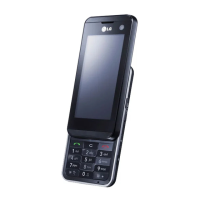
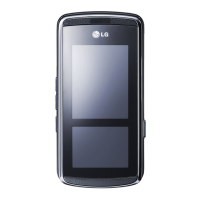
Connect your KF900 to your TV using the
TV output cable. Open the video you’d like
to watch on TV, press
and select .
The TV output cable is available for
purchase separately.
All formats except 320x240 and 176x144
are compatible with watching on TV.
Editing your videos
The editing features are available for
all video types except 640X384 and
640x480.
Don’t record in these formats if you plan to
edit your video.



 To Next Page