Get creative
66
Viewing a file
1. Touch then Entertainment.
2. Touch My stuff then Documents.
3. Select a document and touch View.
Others
The Others folder is used to store files
which are not pictures, sounds, videos,
games or applications. It is used in the
same way as the Documents folder. You
may find that when you transfer files from
your computer to your phone that they
appear in the Others folder rather than
the Documents folder.
If this happens you can move them.
To Move a file from Others to Documents:
1. Touch
then Entertainment.
2. Touch My stuff then Others.
3. Select a file and touch
.
4. Touch Move, then touch Move again.
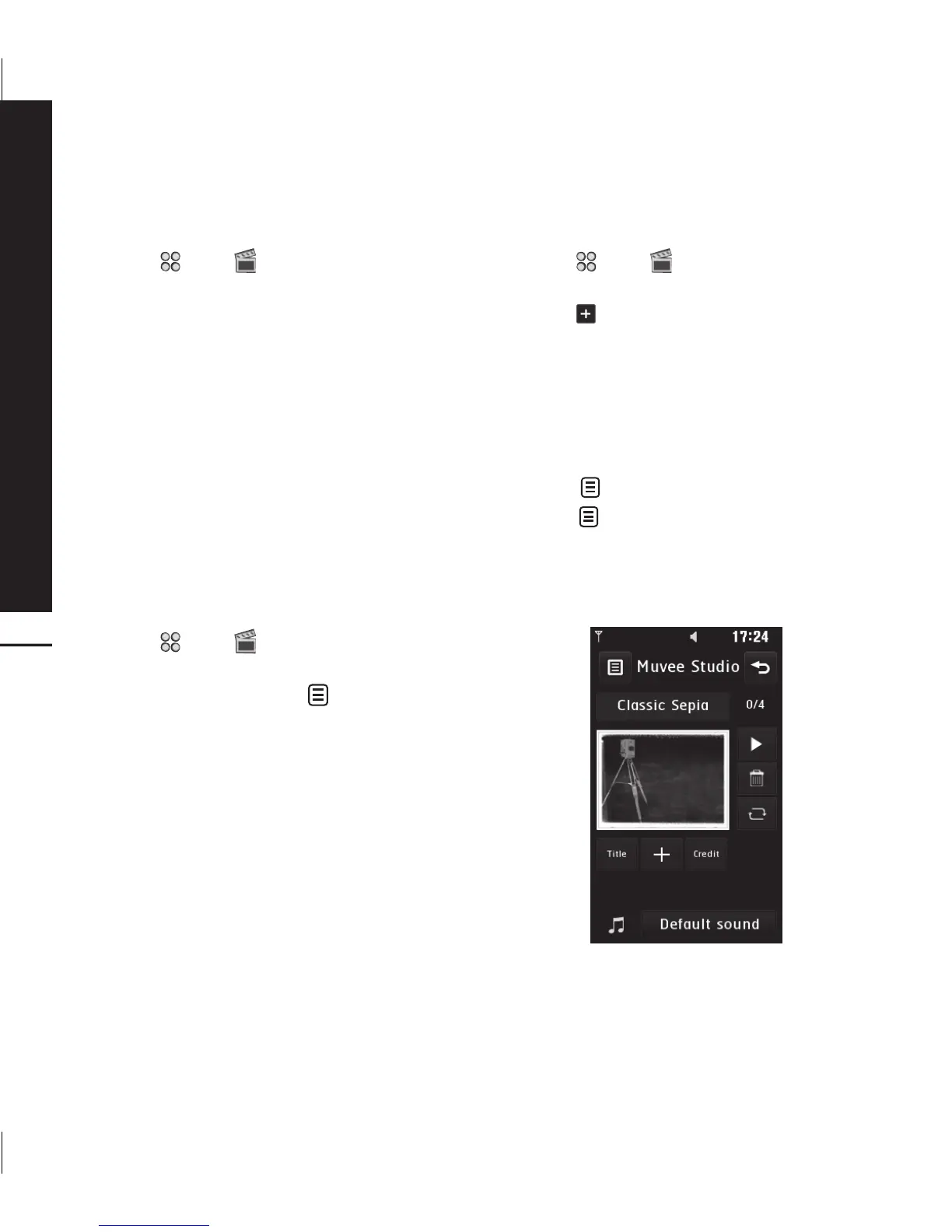
Creating a movie
1. Touch then Entertainment.
2. Touch Muvee studio.
3. Touch
to add an image. Touch the
images you want to include then select
Insert .
4. Touch style tab to choose a Muvee
style.
5. Touch Play button to see what you’ve
created.
6. Touch
then Order to make an order.
7. Touch
then Save Location to
choose where to save the movie. Touch
Music type to choose between Use To
Send and Use To Save.



 To Next Page