EasyManua.ls Logo

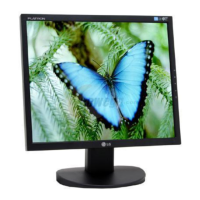
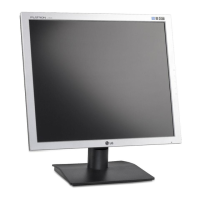
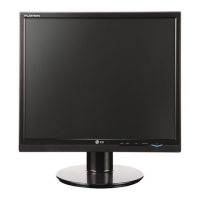
LG L1954SM - User Manual

LG L1954SM
25 pages
Print Icon
To Next Page IconTo Next Page
Loading...
Make sure to read the Important Precautions before using the product.
Keep the User's Guide(CD) in an accessible place for future reference.
See the label attached on the product and give the information to your
dealer when you ask for service.
L1754SM/L1954SM
Users Guide

Questions and Answers

  • V
    Vicki MayerAug 8, 2025
    What to do if no image appears on my LG L1954SM?
    • C
      chelseaphillipsAug 8, 2025
      If no image appears on your LG Monitor, first ensure the power cord is properly connected to the outlet and that the monitor is turned on by pressing the Power button. Then, adjust the brightness and contrast settings. If the monitor is in power saving mode, move the mouse or press a key on the keyboard. Also, make sure your PC is turned on. If the issue persists, check the signal cable between your PC and the monitor to ensure it's properly connected. If the signal from the PC is out of the monitor's frequency range, consult the 'Specifications' section of the manual to configure your display.
  • K
    kingericAug 23, 2025
    How to unlock OSD on LG L1954SM Monitor?
    • A
      alexisguzmanAug 23, 2025
      If you see an 'OSD LOCKED' message on your LG Monitor, you can unlock the OSD controls by pushing the MENU button for several seconds until the message “OSD UNLOCKED” appears.

LG L1954SM Specifications

General IconGeneral
BrandLG
ModelL1954SM
CategoryMonitor
LanguageEnglish

Related product manuals