Leveling Feet
NOTE
• Do not remove the safety cover at any time.
Signal Light (Front Display)
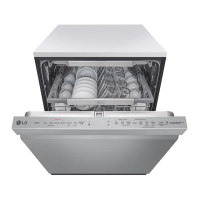
The top-control models have 3 indicator LEDs centered at the top of the front cover.
• Red : Error (See the Error Codes in Troubleshooting section.)
• White (steady): Normal operation
• White (blinking): Cycle has been paused. (After four minutes in pause mode, the machine turns off.)
• Green: Cycle nished normally.
The green light stays on for 90 seconds.
To keep the green light on until the door is opened, turn the power on, and then press and hold High Temp on
the control panel for 3 seconds until OFF or On appears in the display. The dishwasher remembers this setting
until manually changed.

 To Next Page
 Loading...