55
CLIENT
PROGRAM
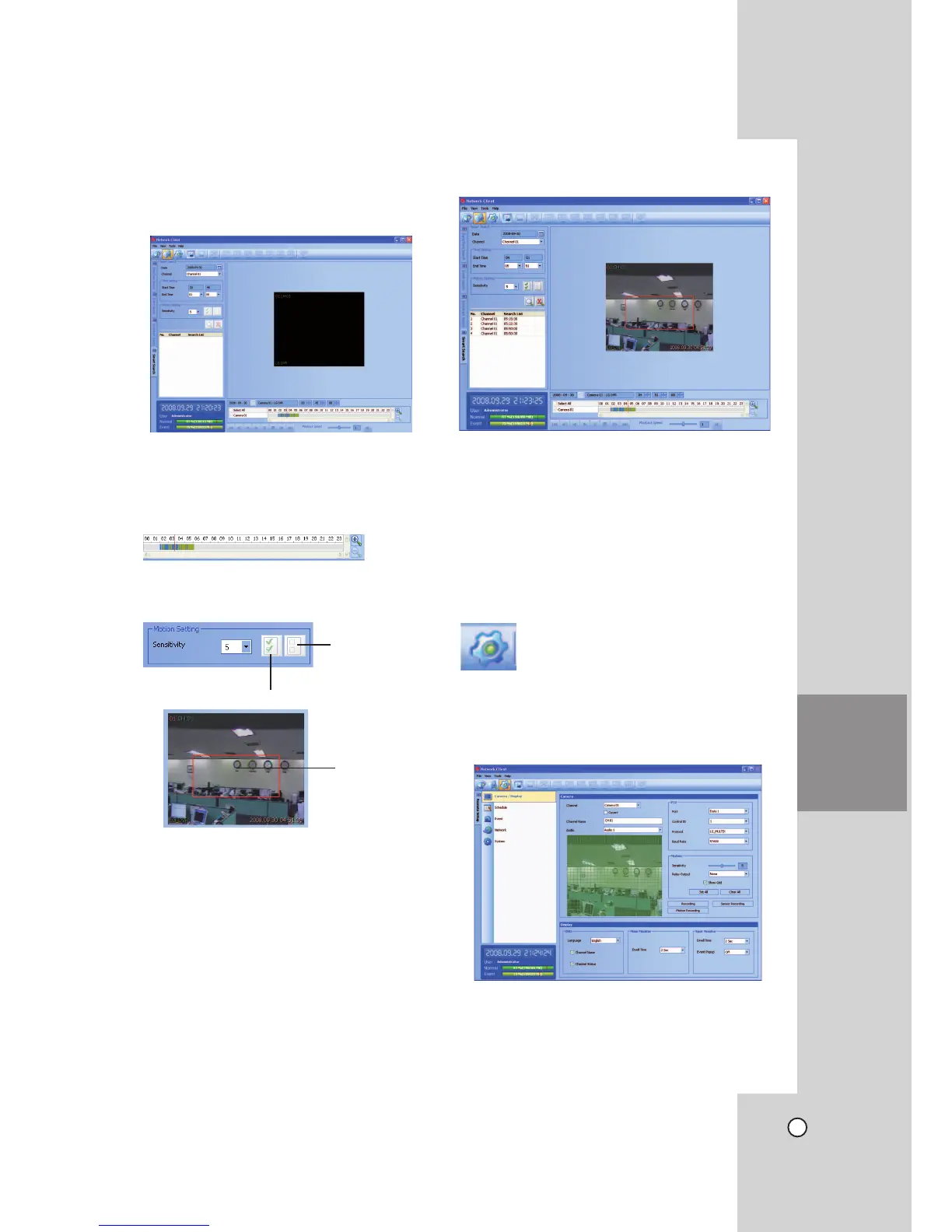
Using the Smart Search function
Picture recorded via motion detection can be
searched by specifying the motion detection condi-
tions.
1. Select the Smart Search tab.
2. Click the date icon and select the day.
(The selectable days are displayed in blue color.)
3. Select the camera channel.
4. Select the start time using the timeline.
5. Select the end time.
6. Select the motion sensitivity level and motion area
on the display window using the mouse.
Select the all area.
Cancel the
selected area.
Selected area
within red box.
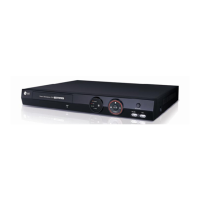
7. Click the search icon.
The smart search data is displayed.
8. Select the channel from the list.
9. You can play the searched data using the play-
back control buttons.
Remote Setup Mode
You can set the DVR of a selected site name in the
remote setup tab via the network.
Camera / Display Setup


 To Next Page