-97-
- 96-
14. DESCRIPTION OF FUNCTION & CIRCUIT OF MICOM
14-1 FUNCTION
14-1-1 Function
˜°
•°
™°
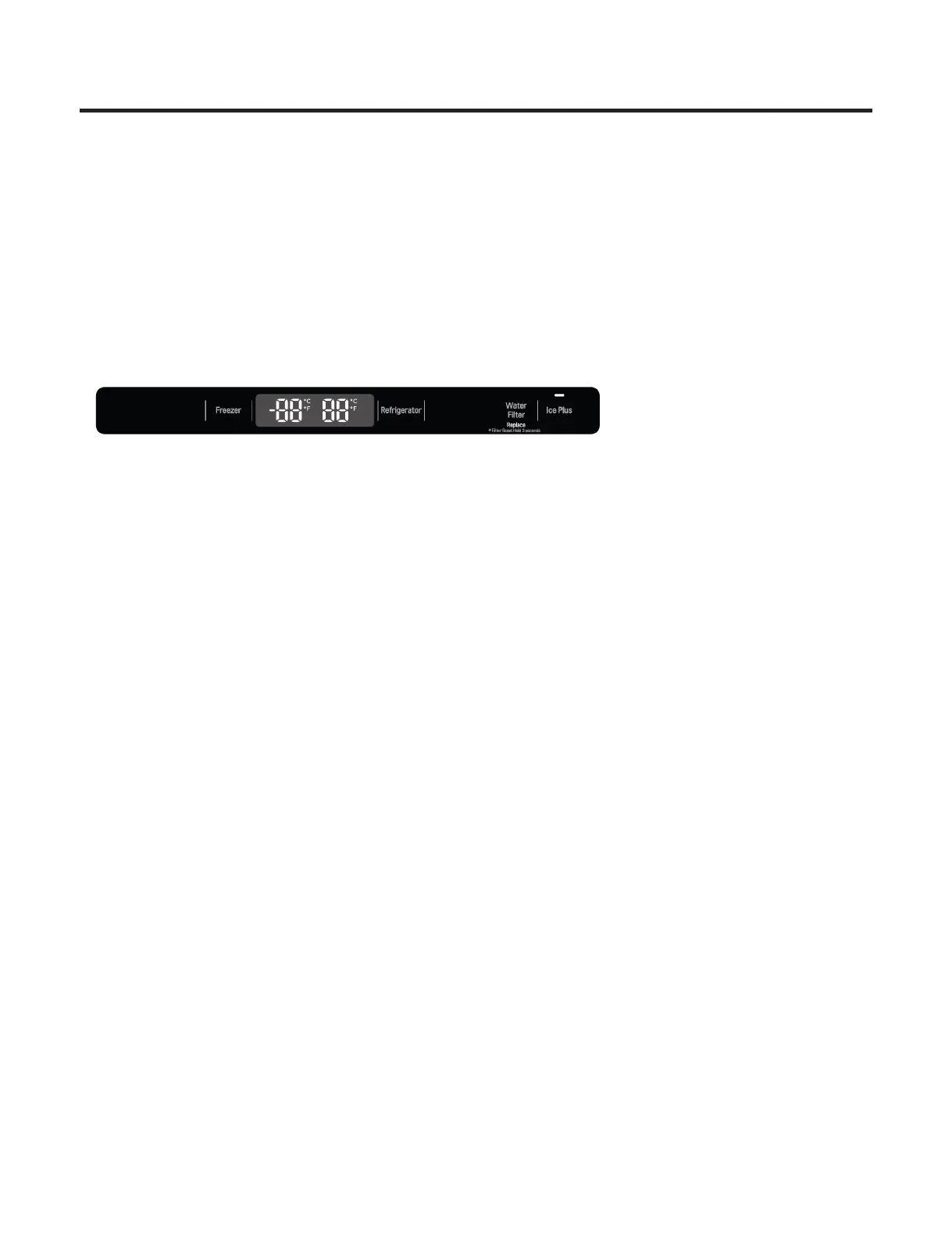
14-1-2 How to Toggle the Display between °F & °C
˜°
14-1-3 Lock function (dispenser and display button lock)
˜°
•°
™°
Ł°ˇ
Ł°
14-1-8 Defrosting (removing frost)
1.
2.
3.
Defrosting starts each time the COMPRESSOR running time Betwee 7~50 hours.
Defrosting stops if the sensor temperature reaches 41°F (5°C) or more. If the sensor doesn’t reach 41°F (5°C)
in 1 hours, the defrost mode is malfunctioning. (Refer to the defect diagnosis function)
Defrosting won’t function if its sensor is defective (wires are cut or short circuited)
Defect Diagnosis Function14-1-9
1. Automatic diagnosis makes servicing the refrigerator easy.
2. When defect occurs, the buttons will not operate.
3. defect CODE removes the sign, it returns to normal operation (RESET).
a
the
4.
When
The defect CODE shows on the Refrigerator and Freezer Display.
* Display check function: If simultaneously pressing Ice Plus button and freezing temperature adjustment button for a
second, display LCD graphics on. If releasing the button, the LCD graphic displays the previous
status. You can check the error code Within 3-hour Period from initial error
14-1-10 Auto pantry
1. The temperature control will automatically start upon the selected Auto Pantry temperature control.
2. You can adjust the Pantry control with three different temperature ranges by pressing the Temp.Selector button.


 To Next Page