33
OPERATION
Favorite (Only Model LREL6325*)
This feature is not available in model LREL6323* /
LREL6321*.
The FAVORITE feature is used to record and recall
favorite recipe settings. This feature can store and
recall up to 3 different settings. The Favorite feature
can be used with the Cook Time mode. It will not
work with any other function including the Start Time
(delayed cook) mode.
1
Place the food in the oven.
2
Press FAVORITE once for Bread, twice for Meat,
and 3 times for Chicken. The default temperature
appears and COOK flashes.
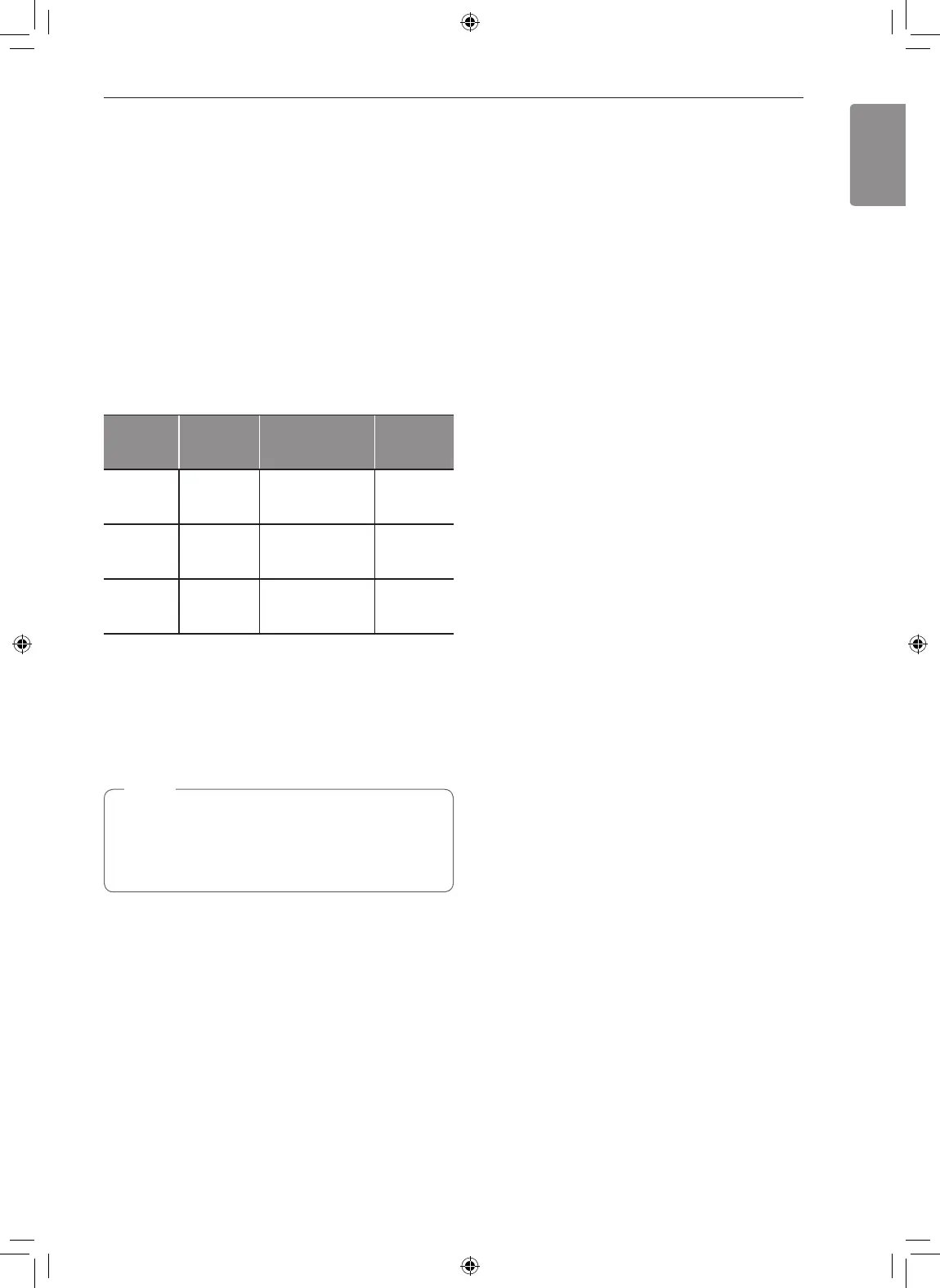
Category
How to
Select
Default Temp.
(may be changed
and recalled)
Operating
Feature
1. Bread
Press
FAVORITE
once.
375 °F BAKE
2. Meat
Press
FAVORITE
twice.
325 °F
Convection
Roast
3. Chicken
Press
FAVORITE
3 times.
350 °F
Convection
Roast
3
Press the numbers to set the desired oven
temperature. This temperature is stored and
recalled when next used.
4
Press START. The preheat indicator beeps 1
time and lamps 5 times when the oven reaches
the set temperature.
NOTE
•
Only the selected temperature is stored, not the
cooking time.
•
If the oven temperature is changed, the
changed temperature is stored.
Wi-Fi (Model LREL6325*/ LREL6323*/
LREL6321*)
Connect the appliance to a home Wi-Fi network to
use Remote Start and other smart functions. See the
Smart Functions section for more details.
Setting Up Wi-Fi
1
Press and hold Remote Start until the icon blinks.
2
Follow the instructions in the LG ThinQ app to
connect the appliance.
Remote Start (Model LREL6325* /
LREL6323*/ LREL6321*)
Remotely starts or stops the preheating function of
the appliance. The appliance must be connected to a
home Wi-Fi network to use Remote Start.
Setting Remote Start
1
Open the oven door and make sure that the oven
is empty.
2
Press the Remote Start button to enable the
function.
3
Start the preheat function on the oven from the
LG ThinQ app.
Frozen Meal (Only Model LREL6325*)
This feature is not available in model LREL6323* /
LREL6321*.
The Frozen Meal function is specially designed for
cooking frozen prepared meals. It heats from both the
top and bottom to brown food more evenly.
This system is designed to give the optimum cooking
performance by automatically selecting a combination
of the broil and bake heating systems. No preheating
is required when using the Frozen Meal mode. For
best results of frozen pizza, cook food on a single
rack placed in position 5 at 400 °F.
Setting the Frozen Meal Function
1
Touch Frozen Meal. Frozen appears in the
display.
2
Enter the cook temperature using the number
buttons.
3
Touch Start. The Frozen Meal function starts
operation.
4
Touch Clear/Off to cancel Frozen Meal at any
time.


 To Next Page