7
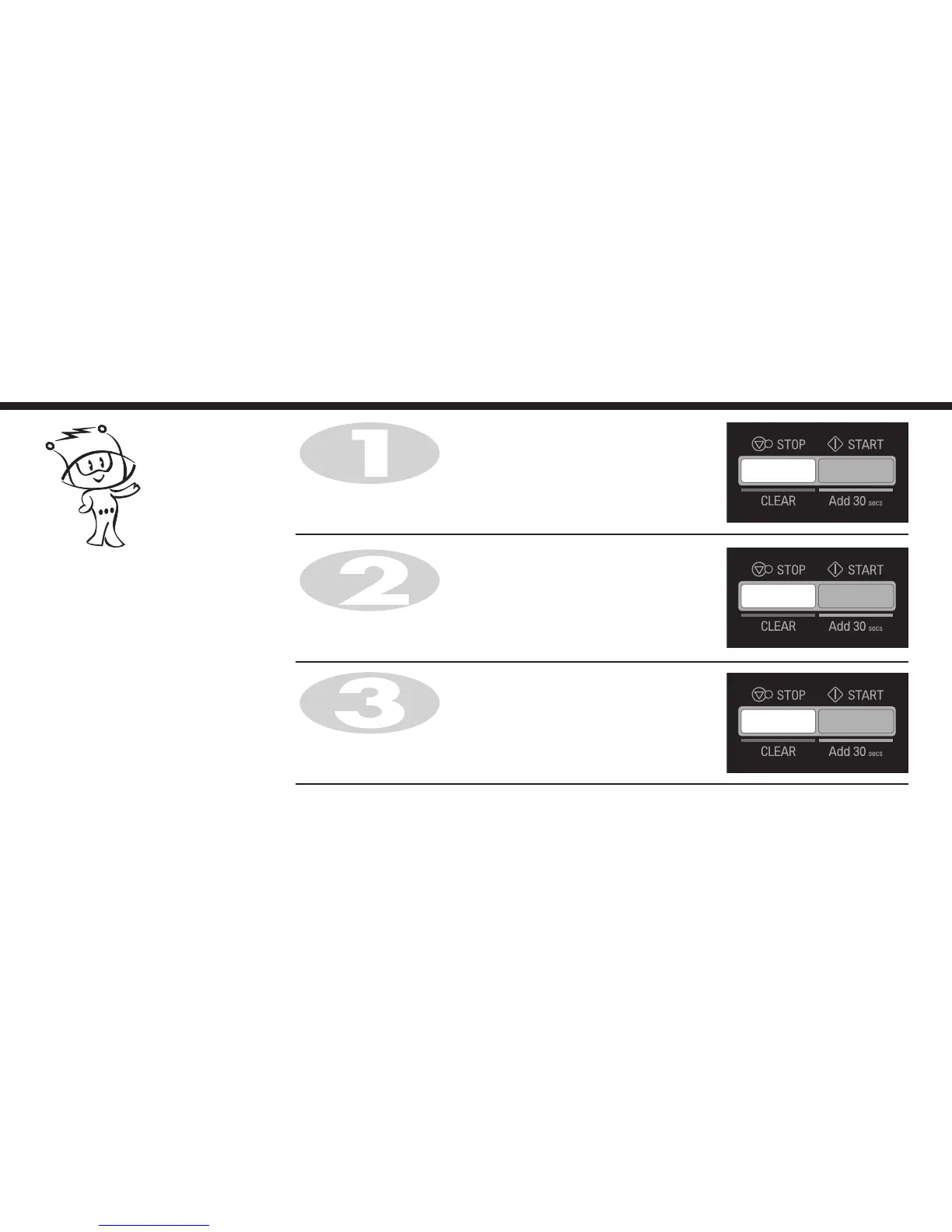
To cancel CHILD LOCK press and hold STOP/CLEAR until "L" disappears.
You will hear BEEP when it’s released.
Press and hold STOP/CLEAR until "L" appears on the display and BEEP
sounds.
The CHILD LOCK is now set.
Press STOP/CLEAR.
Your oven has a safety feature that
prevents accidental running of the oven.
Once the child lock is set, you will be
unable to use any functions and no
cooking can take place.
However your child can still open the
oven door.
Child
Lock


 To Next Page
 Loading...