6
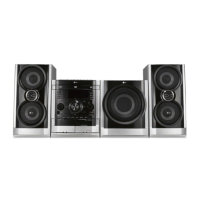
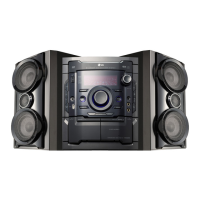
DVD Mini Hi-Fi System ] USER GUIDE
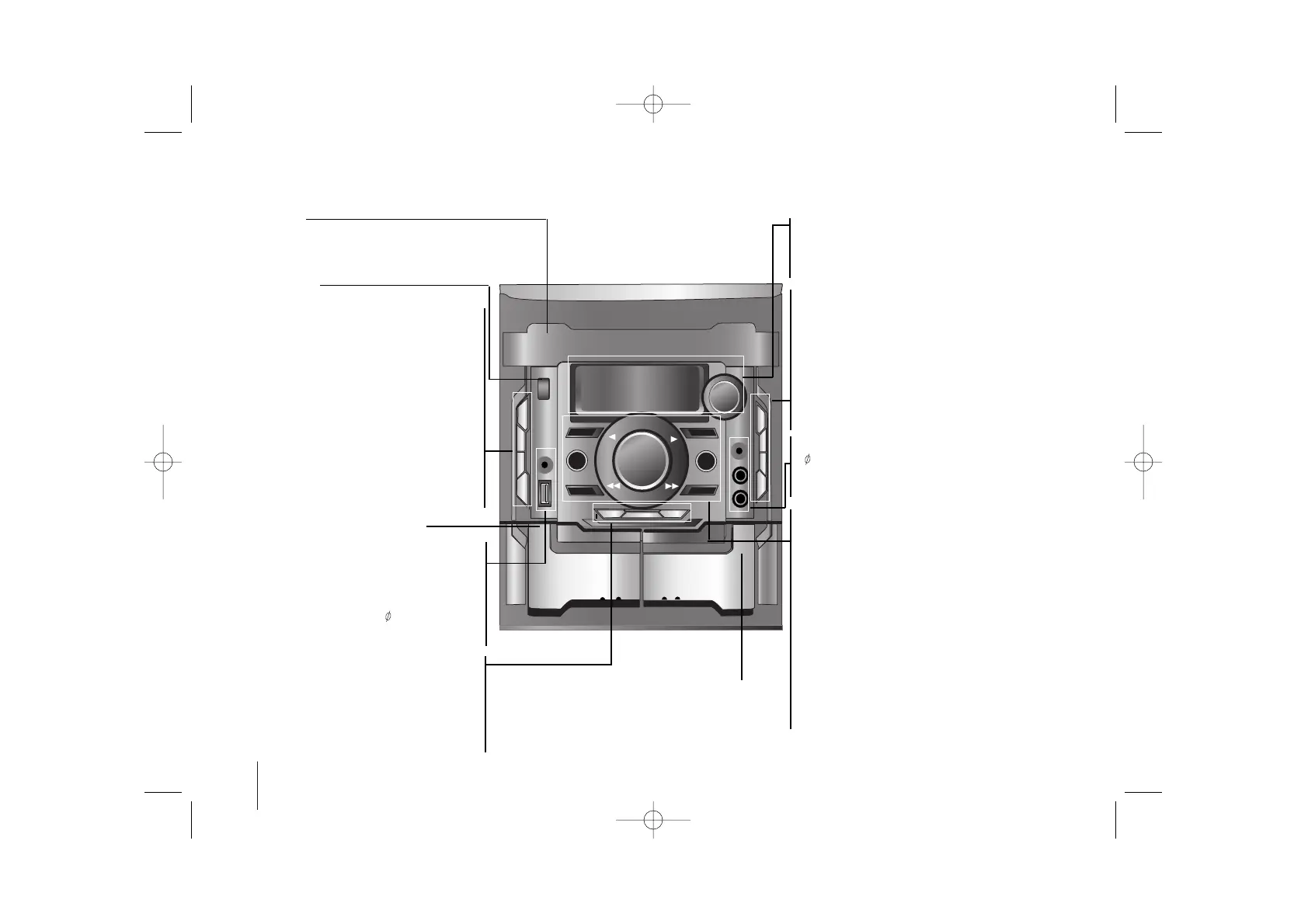
Main unit
STANDBY/ON 1
Turn on or off.
Disc tray
• USB connector
Connect a remote USB compatible player
here.
• Headphone jack
Connect a headphone plug ( 3.5 mm) into the
jack to listen to the sound through head-
phones (not supplied).
• XDSS Plus (MP3 Optimizer)
Reinforce the treble, bass and surround
effect,XDSS ON will show in the
display,press again for NORMAL (Page 12)
• STOP button
• USER EQ sound quality adjustment
•
Display window
• MULTI JOG Turn the MULTI JOG to right
and left step by step
- Manual tuning /CD skip/CLOCK adjust.
• TIMER (
Use your player as an alarm clock.)
With the timer function you can turnDVD/CD ,
TAPE,USB play and radio reception on or off at a
desired time .
• CLOCK (
See setting the Clock )
• EQ You can choose 7 fixed sound impres-
sion
• REVERSE MODE scroll through a selection
of cassette playing options
- Press REVERSE MODE/DEMO in power
off state to demonstrate the function on dis-
play window. To cancel it,press
STANDBY
/ON 1
or REVERSE MODE/DEMO. again.
• Function select buttons
To select the Functions press.
(TUNER, TAPE,
AUX/PORTABLE, DVD/CD, USB).
-
REC./II
USB direct Recording (Page19)/ TAPE
Recording. (Page17)
• VOLUME Adjustment
• REWIND or FAST FORWARD (bb/BB) - TAPE
- Auto Tuning ( bb/BB) -TUNER
- SCAN (bb/BB ) buttons -CD
- USER EQ SET(bb/BB )
• FORWARD / REVERSE PLAY (
bb
/
BB
) -TAPE
- PLAY or X1.5 play- CD (Page 13)
- PRESET (
bb
/
BB
) Choose a “Preset number” for
Radio station.
• Z OPEN
• DISC SKIP Choose a desired disc.
• DUBB./CD SYNC./ST.MO. CD to Tape
Synchronized Recording or to record from tape to
tape.
- ST.MO. To improve the FM reception on TUNER
• SET confirms the time you have selected when
setting the clock.
- CDII Pause
• MIC1/MIC2 (Optional) Connect the microphone.
( 6.3 mm)
• PORT. IN For connecting a portable device and
playing it through the system’s speaker.
ZPUSH EJECT
position- TAPE2
ZPUSH EJECT position- TAPE1


 To Next Page