Need help?
Do you have a question about the LG MS4266OSS and is the answer not in the manual?
Explains warning symbols like danger, caution, and hot surface indicators.
Outlines critical safety precautions to prevent severe injury or death.
Details precautions to prevent minor injury or product damage.
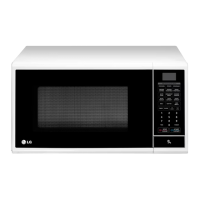
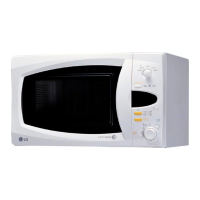
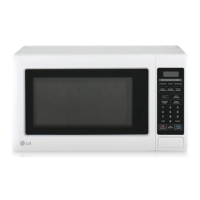
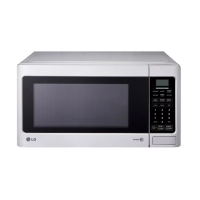
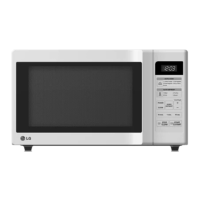
Describes the appliance's appearance and key components.
Details necessary conditions and space for safe appliance setup.
Explains the functions of buttons and the display on the control panel.
Covers initial setup like setting the clock and understanding power levels.
Introduces Child Lock, Quick Start, and Manual Cooking functions.
Details various preprogrammed cooking modes like Auto Cook, Reheat, Softening, Melting.
Explains Proof, Keep Warm, and Sensor Cooking modes.
Guides on using preset defrost cycles for different food types.
Provides advice on using microwave-safe utensils and how to test them.
Offers advice for optimal cooking results and techniques.
Explains how to connect and use the appliance with a smartphone app.
Describes the feature for diagnosing appliance problems via audible tones.
Answers common questions about oven operation and potential issues.
Lists common symptoms and initial checks before contacting support.
 General
| Capacity | 42 L |
|---|---|
| Display Type | LED |
| Cavity Material | Stainless Steel |
| Color | Silver |
| Child Lock | Yes |
| Warranty | 1 Year |
| Power Output | 1000 Watts |
| Turntable Diameter | 36 cm |
| Control Type | Touch |


 To Next Page