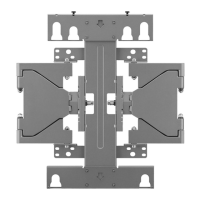
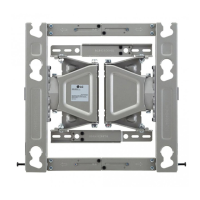
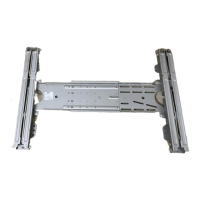
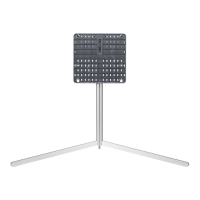
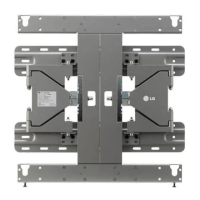
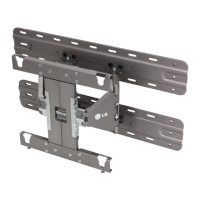
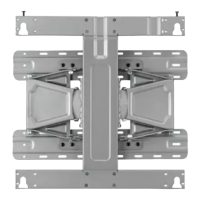
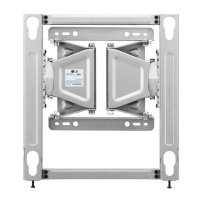
Need help?
Do you have a question about the LG OSW100 and is the answer not in the manual?
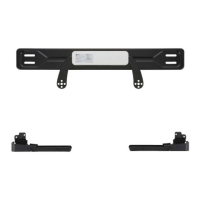
Crucial safety warnings regarding installation and usage of the wall mount.
Important cautionary notes for installation and handling to prevent injury or damage.
Procedure for attaching spacers to the hanger for wall mount installation.
Steps to attach mounting brackets to the TV set for wall mounting.
Detailed instructions for mounting the bracket on masonry walls.
Guidance on installing the top wall mount, including options for wooden studs.
Procedure for installing the bottom wall mount components.
Steps for securely attaching the TV set to the mounted top wall bracket.
Instructions for installing the fixing pin to secure the top wall mount.
Method for leveling the TV set after it has been mounted.
Tips for organizing and tidying up cables connected to the mounted TV.
 General
| Swivel | Yes |
|---|---|
| Tilt | Yes |
| Maximum Weight Capacity | 110 lbs |
| Swivel Range | ±45° |
| Material | Steel |
| Color | Black |
| Type | Full motion |
| Extension Range | 427 mm |
| VESA Mounting Standard | 200x200 to 600x400 |

 To Next Page