9
User Interface Guide
Due to our policy of continuous product innovation, some specifications may change without notification.
©LG Electronics U.S.A., Inc., Englewood Cliffs, NJ. All rights reserved. “LG” is a registered trademark of LG Corp.
CONTROLLER OVERVIEW
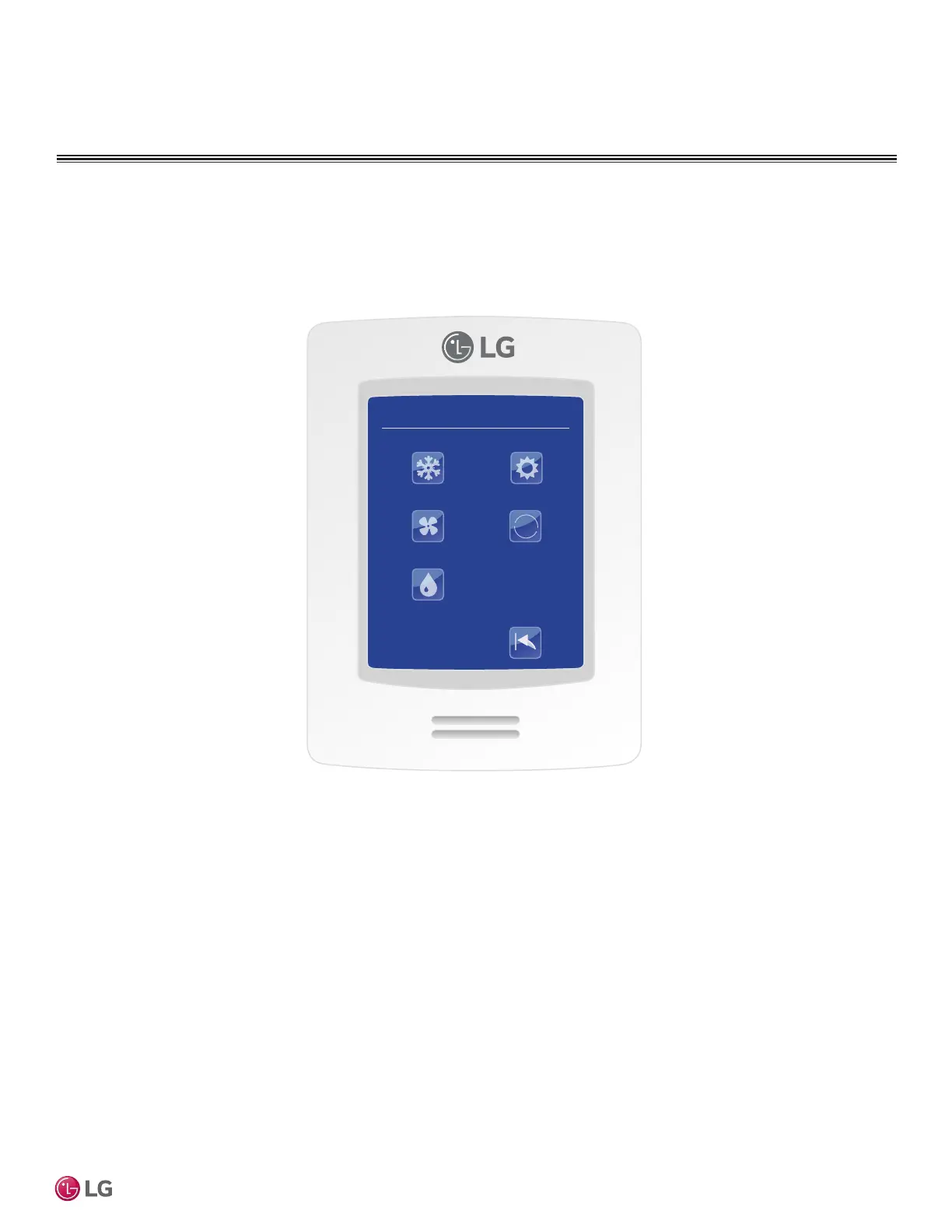
Operation Mode
OPERATION MODE
Auto
Cool
Fan
Dry
Heat
Auto
Setback
Selecting modes available on this screen places the IDU in that mode and then the user will be returned
to the home screen. Selecting the mode that is currently highlighted will maintain the current mode and
return the user to the home screen.



 To Next Page