50
ENGLISH
[Energy Saving]
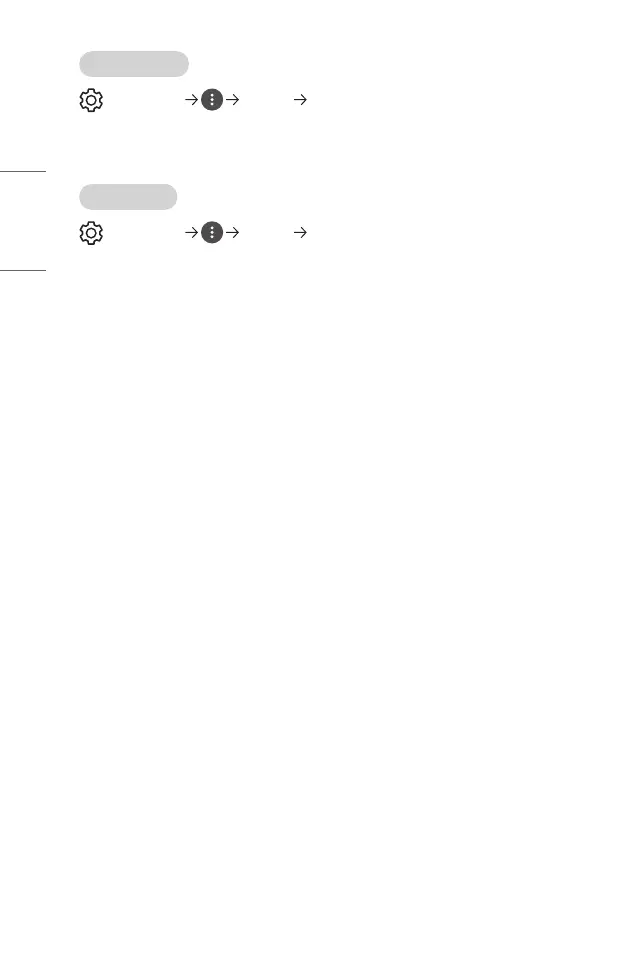
(Q. Settings) [Picture] [Energy Saving]
Reduces power consumption by adjusting peak screen brightness.
• [Minimum]/[Medium]/[Maximum]
Applies the pre-set [Energy Saving] mode.
[Picture Test]
(Q. Settings) [Picture] [Picture Test]
First of all, start the picture test to see whether the video signal output is normal, and
then select whether there is an error.
If there are no problems in the test picture, check the connected external device.



 To Next Page