12
ENGLISH
HOW TO USE VARIETY OF CONTENTS
Search Content
[Search]
You can search for les, including image, video, and audio les.
Searching for Content
1 Press the button on the remote control.
2 Launch .
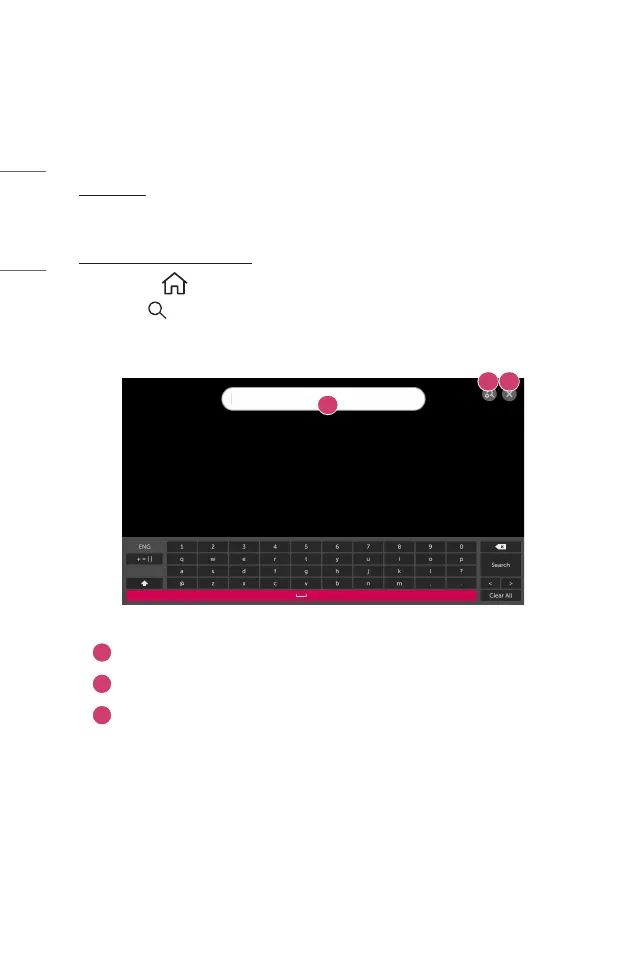
3 Search for a variety of content and information by typing in your desired
search terms.
1
2 3
1
Enter your desired search term.
2
Change the settings of the features provided by [Search].
3
Exit the search.
• Some apps provide a feature that lets you search within your projector. If you
run a search in such apps, the search will be carried out in [Search].



 To Next Page