59
ENGLISH
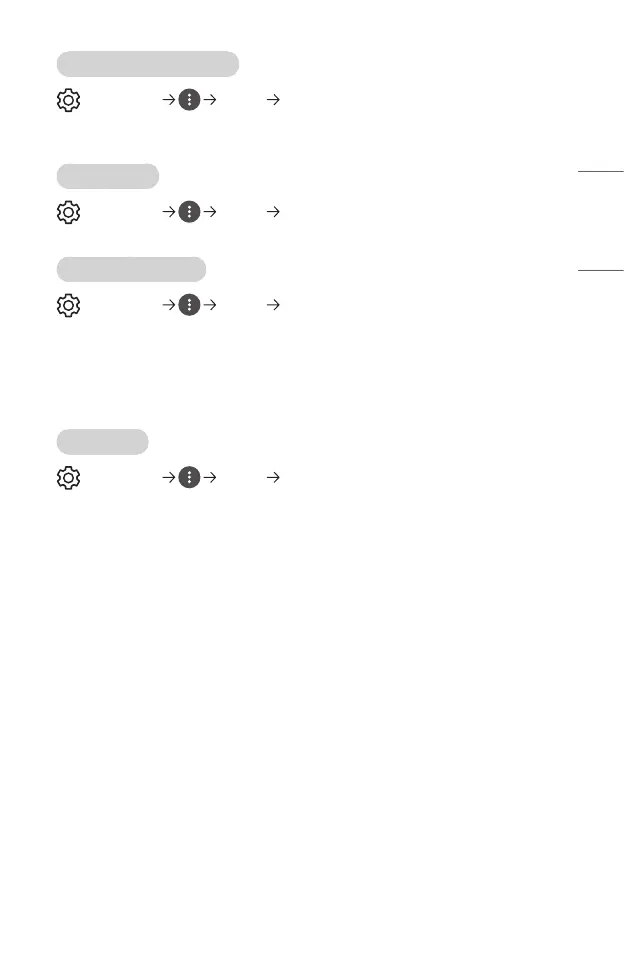
[HDMI Input Audio Format]
(Q. Settings) [Sound] [HDMI Input Audio Format]
You can set the audio format for each HDMI input. When the voice delivered through
the HDMI port is not synchronized, set it to [PCM].
[Auto Volume]
(Q. Settings) [Sound] [Auto Volume]
Click [On] to adjust the volume level automatically.
[AV Sync Adjustment]
(Q. Settings) [Sound] [AV Sync Adjustment]
Adjusts the synchronization of the sound from the speaker that is working.
The closer to (+), the slower the audio output.
If you select the [Bypass], Outputs the sound from external devices without any audio
delay. The audio may be output before the video because of the time the projector
takes to process the video input.
[Sound Test]
(Q. Settings) [Sound] [Sound Test]
Start the [Sound Test] to check that the sound signal output is normal, and then select
whether there is an error.
If there are no problems in the test, check the connected external device.
• Sound test is possible by Internal projector Speaker only.



 To Next Page