66
ENGLISH
[LG Wireless Keyboard]
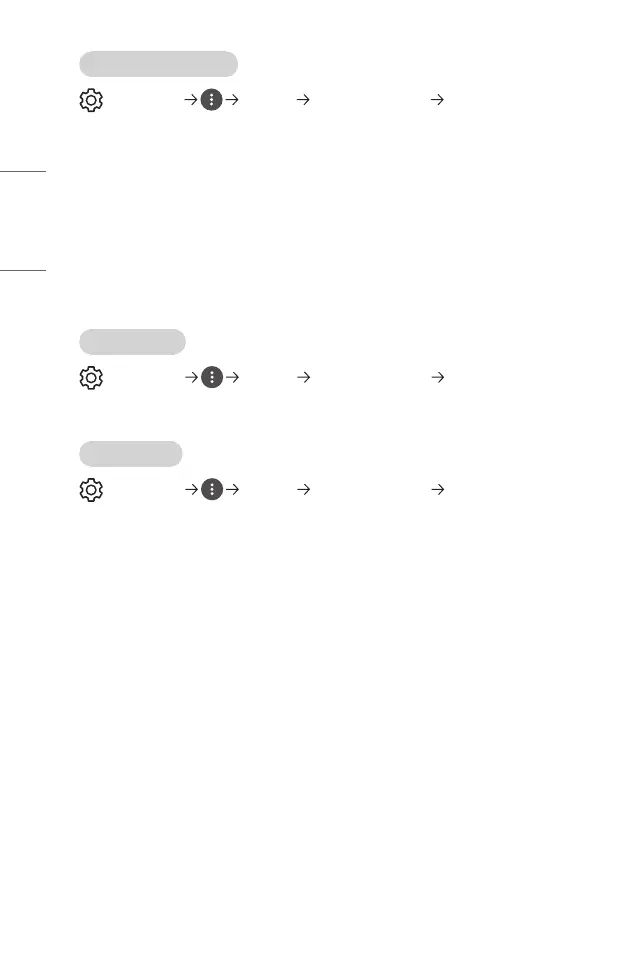
(Q. Settings) [General] [Additional Settings] [LG Wireless
Keyboard]
This feature enables you to connect a LG wireless keyboard to your device.
Turn on the device, set it to pairing mode, and then click [CONNECT] on your projector
screen.
• Supported keyboard
– LG Rolly Keyboard
• If there is a LG wireless keyboard previously connected, it will be automatically
reconnected to your projector once your projector turns on.
• To disconnect the existing connection, click [DISCONNECT].
• Some models may not be supported.
[Settings Help]
(Q. Settings) [General] [Additional Settings] [Settings Help]
If you select the setting menus, you will see the hints of the settings. Turn on/off
description box in settings.
[Screen Saver]
(Q. Settings) [General] [Additional Settings] [Screen Saver]
When the currently displayed app has not received any user input for an hour, it will be
replaced by a [Screen Saver].
• Setting the [Screen Saver] feature to [Off], maintains the same display for an
extended period, which may compromises quality. The compromised screen may
not be recoverable.



 To Next Page