69
ENGLISH
[Safety] Settings
• Set [Safety] to [On].
• The initial password is set as “0000”.
• The configurable items differ depending upon model.
[Application Locks]
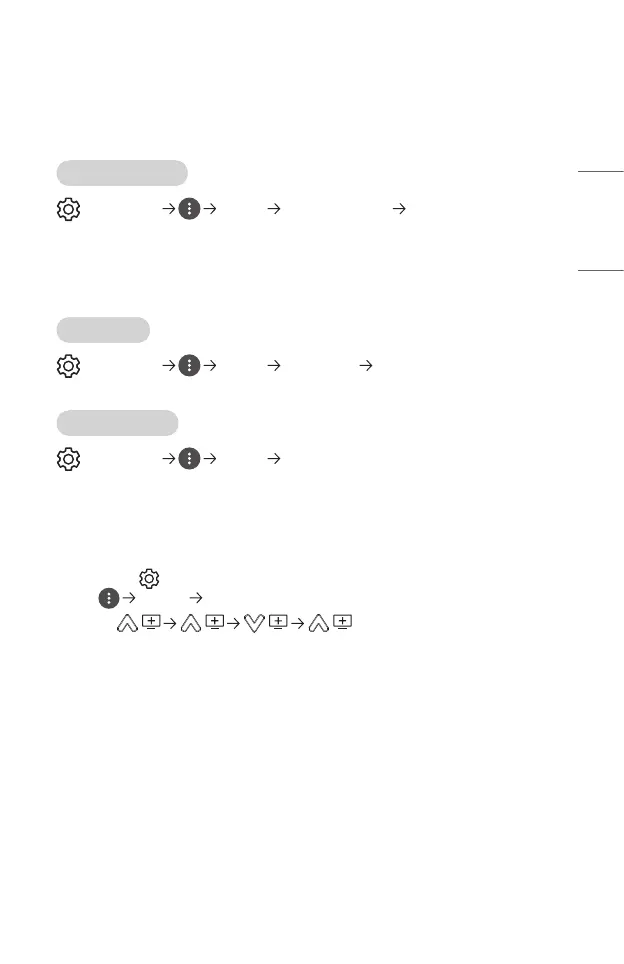
(Q. Settings) [Safety] [Application Locks] Select the Applications
to lock.
You can lock or unlock the application.
• The lock function is not immediately available for the currently running
application.
[Input Locks]
(Q. Settings) [Safety] [Input Locks] Select the Inputs to lock.
You can lock or unlock the Input Locks.
[Reset Password]
(Q. Settings) [Safety] [Reset Password]
Set or change the password for the projector.
Resetting a Lost Password
If you lose the password you set, you can reset it as follows:
1 Press the (Q. Settings) button on the remote control and move the focus
to [Safety] [Reset Password].
2 Press on the remote control. The
master password input window will appear.
3 Enter the numbers “0313” in the master password input window, then press
[Enter]. The password will be reset.



 To Next Page