4
ENGLISH
EXTERNAL CONTROL DEVICE SETUP
Image shown may differ from your projector.
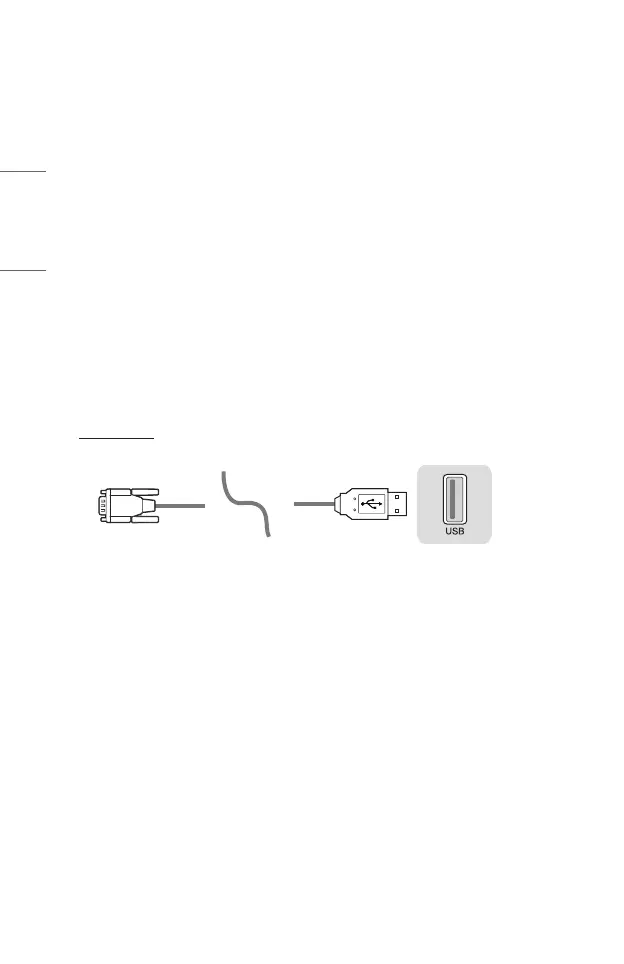
Operate the projector’s functions with a PC by connecting the USB-serial
conversion cable / RS-232C input (control & service) / HDBaseT input (control &
service) terminal.
You have several ways to connect the projector depending on the supported
terminals of the model.
• Not all models support the USB-to-serial conversion cable connection.
• RS-232C cable and USB-to-Serial converter cable is not provided.
• The configurable items differ depending upon model.
USB to Serial(RS-232C) converter with USB Cable
USB Type
(PC) (Projector)
• LG Projector supports PL2303 chip-based (Vendor ID: 0x0557, Product ID:
0x2008) USB to serial(RS-232C) converter which is not made nor provided by
LG.
• It can be purchased from computer stores that carry accessories for IT support
professionals.
• When the USB-serial conversion cable is connected, you cannot control the
projector via the RS-232C input and HDBaseT input.



 To Next Page