Need help?
Do you have a question about the LG RESU10H Prime and is the answer not in the manual?
Safety symbols and their meanings used in the manual.
General safety precautions, battery handling, and emergency responses.
Details about warning labels on the product and their significance.
Requirements for installers and service personnel.
Specifications including dimensions, weight, and performance parameters.
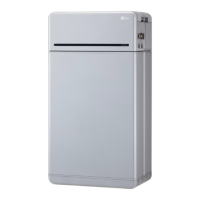
Key features and capabilities of the RESU10H Prime battery system.
Information on maintenance requirements for normal operation.
Details on product packaging, contents, and dimensions.
Physical requirements for installation, including package contents and lifting.
Guide for safely lifting and carrying the battery control unit and modules.
Steps for unpacking the product from its packaging.
Criteria and recommendations for selecting a suitable installation site.
Required clearances around the product for ventilation and access.
List of tools and safety equipment needed for installation.
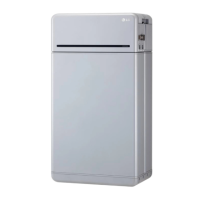
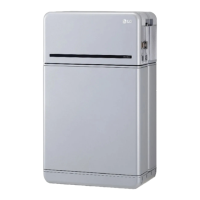
Visual overview and physical dimensions of the battery pack.
Minimum clearances for system configuration including battery and inverter.
Step-by-step instructions for installing the battery pack.
Steps to prepare for installation using the RMD application.
Procedures for installing the system using the RMD application.
Explanation of LED indicators on the battery pack and their operational states.
Step-by-step guide for powering on the battery pack.
Instructions for safely shutting down the battery pack.
General guide to troubleshooting issues based on LED indicators and fault messages.
A checklist to verify correct installation and initial operation.
Specific troubleshooting steps for common problems like power or charging issues.
Procedures for returning or replacing the product.
Step-by-step guide for uninstalling the battery pack.
Contact details for technical assistance and service.
Guide for connecting multiple RESU10H Prime units in parallel.
Instructions for setting the communication termination resistor.
Guidance on connecting power cables when using a combiner box.
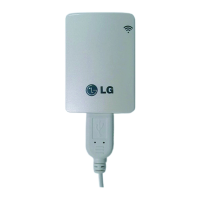
Applications and usage of the Remote Monitoring Device (RMD).
How to check battery status using the RMD application and web interface.
Procedures for updating BMS, DC/DC, and RMD firmware.
Step-by-step guide for installation using the RMD web interface.
 General
| Round Trip Efficiency | 94.5% |
|---|---|
| Max Power | 7 kW |
| IP Rating | IP55 |
| Chemistry | Lithium-ion NMC |
| Nominal Capacity | 10 kWh |
| Voltage | 350 ~ 450 V |
| Cycle Life | 6000 cycles at 90% DoD |
| Warranty | 10 years |

 To Next Page