EasyManua.ls Logo

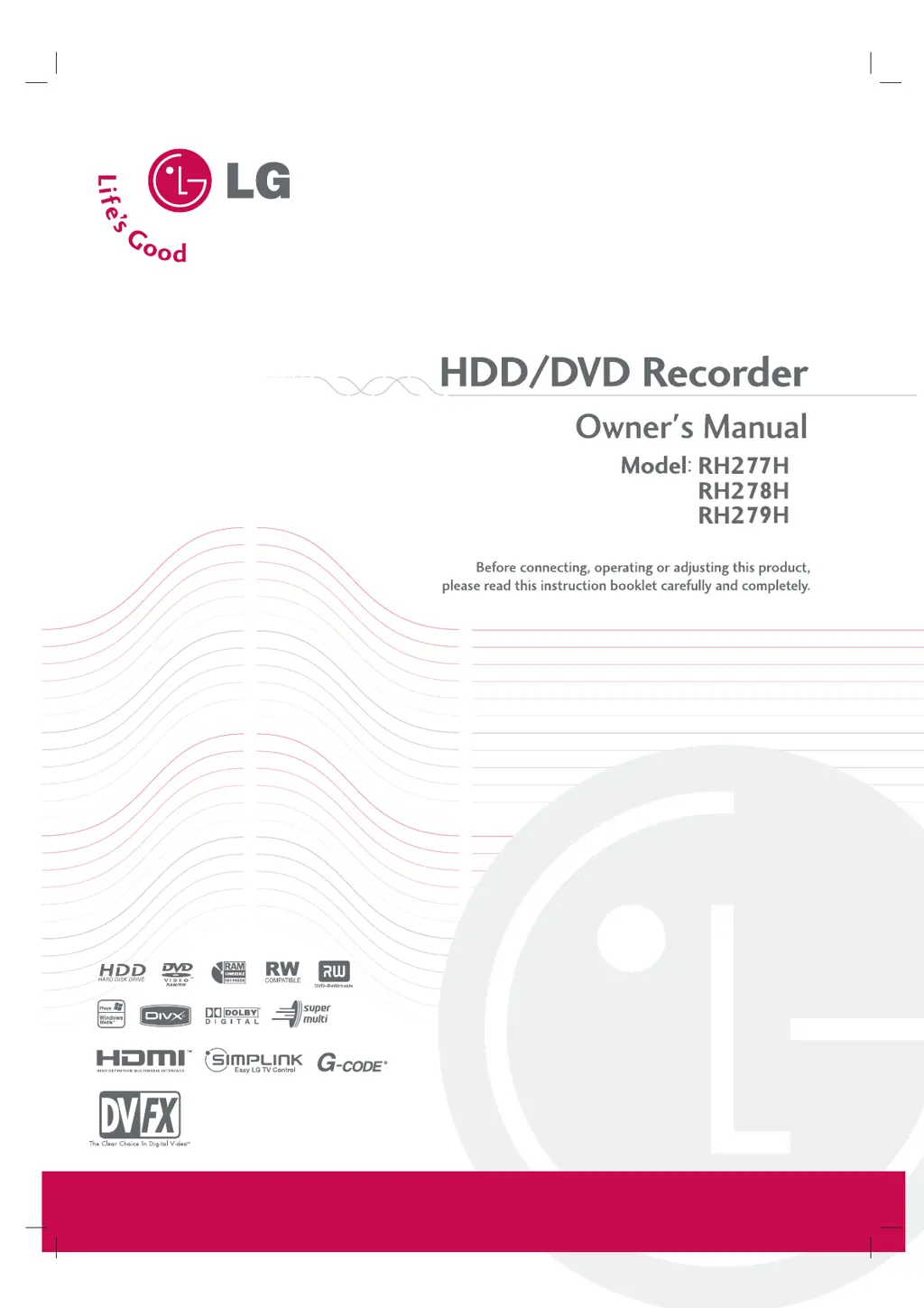
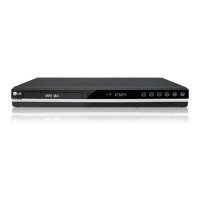
LG RH278H - User Manual

LG RH278H
59 pages
Print Icon
To Next Page IconTo Next Page
Loading...
RH277.279H-WL-NA4HLLK-ENG

Table of Contents

Questions and Answers

  • S
    Stefanie CoxAug 13, 2025
    What to do if there is no picture on my LG RH278H?
    • K
      Karen AustinAug 13, 2025
      If you're not getting a picture from your LG DVD Recorder, there are a few things to check. First, make sure that the TV/DVD mode is correctly set by pressing the TV/DVD button on the remote control to select DVD mode. Verify that your TV is set to the correct video input mode to receive the recorder's signal. Ensure the video cable is securely connected. Also, confirm that the TV is powered on.
  • L
    lawsonjillAug 17, 2025
    How to fix no sound on LG RH278H DVD Recorder?
    • M
      Michelle GallowayAug 17, 2025
      If you're experiencing no sound from your LG DVD Recorder, check the following: Ensure that the equipment connected to the audio cable is set to receive audio signal output by selecting the correct input mode. Verify that the audio cables are securely connected. Make sure that the equipment connected to the audio cable is turned on. If the problem persists, the audio connecting cord might be damaged and needs replacement.
  • B
    brownlydiaAug 20, 2025
    How to improve poor playback picture on my LG DVD Recorder?
    • K
      Kristen RobinsonAug 20, 2025
      If the playback picture quality on your LG DVD Recorder is poor, the disc may be dirty. Try cleaning the disc.
  • J
    Justin EvansAug 25, 2025
    Why is my LG RH278H DVD Recorder remote not working?
    • B
      brownmaryAug 25, 2025
      If the remote control for your LG DVD recorder isn't working, several factors could be the cause. Ensure that the remote is pointed directly at the remote sensor on the recorder and that you are within a 7-meter range. Obstacles between the remote and the recorder can also interfere with the signal, so remove any obstructions. Finally, the batteries in the remote may be exhausted; try replacing them with new ones.
  • R
    rachelvargasAug 28, 2025
    How to troubleshoot no power on LG RH278H DVD Recorder?
    • R
      robertmillerAug 28, 2025
      If your LG DVD Recorder has no power, the most likely cause is that the power cord is not properly connected. Ensure the power cord is securely plugged into the wall outlet.
  • A
    Andrew HessSep 1, 2025
    What to do if my LG DVD Recorder does not start playback?
    • S
      Sean ParrishSep 1, 2025
      If your LG DVD Recorder isn't starting playback, consider these potential issues: - Ensure a disc is inserted and that the disc indicator light is on. - Check that the inserted disc is playable, verifying its type, color system, and regional code. - Confirm the disc is placed correctly, with the playback side facing down and positioned properly on the disc tray guide. - Make sure the disc is clean. - Verify that the Rating level is not set, or adjust the rating level.
  • B
    briandodsonSep 4, 2025
    Why is timer recording not working on my LG RH278H?
    • J
      Justin KellerSep 4, 2025
      If timer recording is not working on your LG DVD Recorder, there are several possible reasons: - The clock in the recorder may not be set to the correct time. - The timer may have been programmed incorrectly. - The timer record indicator light may not appear after programming the timer.
  • E
    Emily GarrettSep 8, 2025
    Why does my LG DVD Recorder skip channels?
    • A
      Amy PachecoSep 8, 2025
      Those channels are not stored in the recorder.

LG RH278H Specifications

General IconGeneral
BrandLG
ModelRH278H
CategoryDVD Recorder
LanguageEnglish

Related product manuals