EasyManua.ls Logo

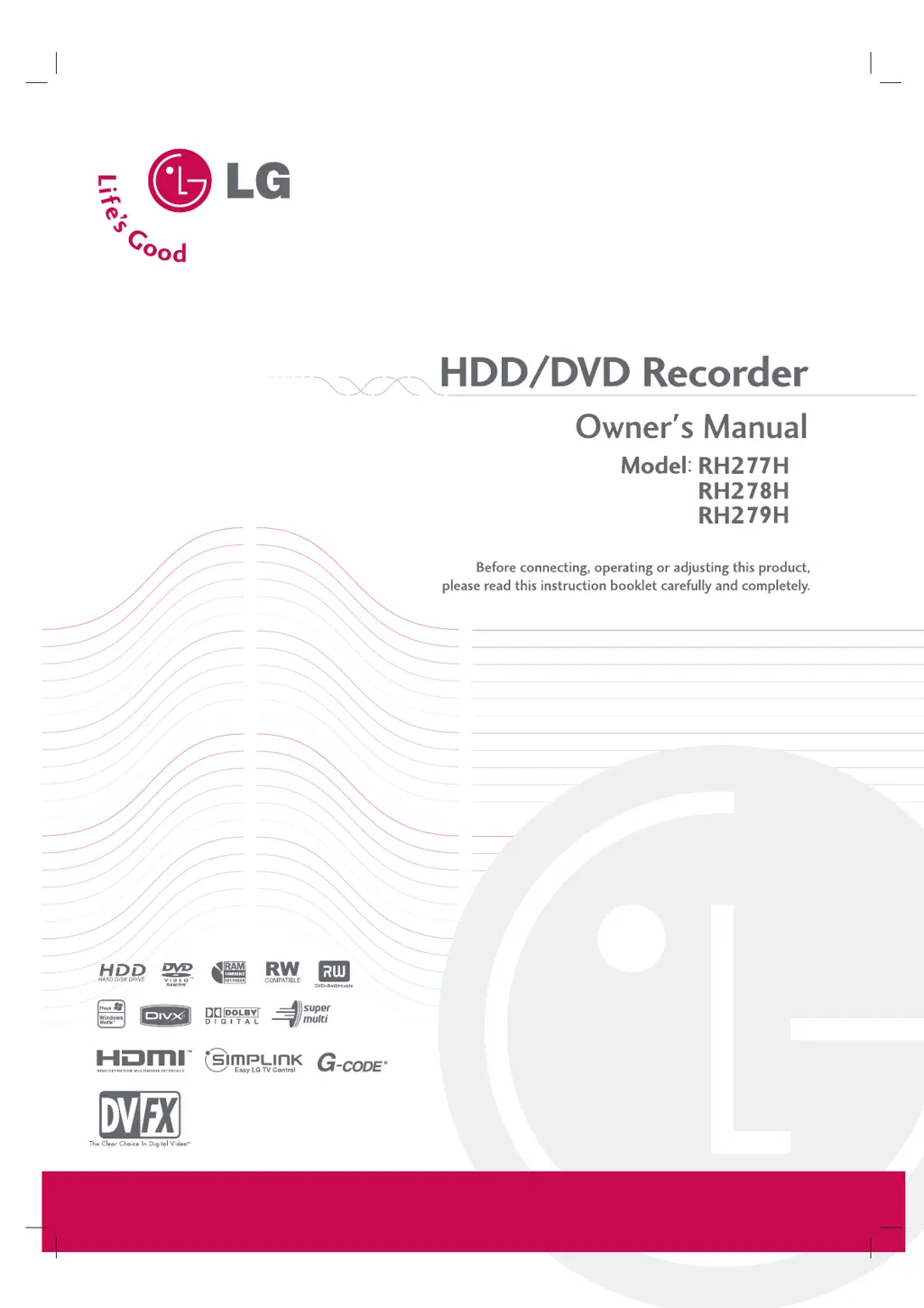
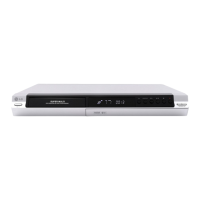
LG RH277 - User Manual

LG RH277
59 pages
Print Icon
To Next Page IconTo Next Page
Loading...
RH277.279H-WL-NA4HLLK-ENG

Table of Contents

Questions and Answers

  • T
    Teresa RobertsonSep 10, 2025
    Why won't my LG DVD Recorder start playback?
    • T
      Timothy LongSep 10, 2025
      The recorder might not start playback for several reasons: * No disc is inserted. Insert a disc and check if the disc indicator in the display window is lit. * An unplayable disc is inserted. Insert a playable disc, checking the disc type, color system, and regional code. * The disc is placed upside down. Place the disc with the playback side down. * The disc is not placed correctly within the guide. Place the disc on the disc tray guide. * The disc is dirty. Clean the disc. * The Rating level is set. Cancel the Rating function or change the rating level.
  • T
    Tiffany MahoneyAug 23, 2025
    Why is there no sound from my LG RH277 DVD Recorder?
    • K
      Kelsey FosterAug 23, 2025
      There are several potential reasons for a lack of sound: * The equipment connected with the audio cable might not be set to receive audio signal output. Select the correct input mode on the audio receiver. * The audio cables might not be connected securely. Ensure the audio cables are properly connected. * The equipment connected with the audio cable might be turned off. Turn on the equipment. * The audio connecting cord might be damaged. Replace it with a new one.
  • R
    Ricky HarrisAug 25, 2025
    What to do if the remote control for my LG RH277 doesn't work?
    • D
      Devon MartinezAug 25, 2025
      If the remote control is not functioning correctly: * Ensure that the remote control is pointed at the remote sensor on the recorder. * Make sure you are operating the remote control within 7 meters of the recorder. * Check for any obstacles between the remote control and the recorder and remove them. * The batteries in the remote control might be exhausted. Replace them with new ones.
  • K
    Karen CookAug 26, 2025
    Why is there no picture on my TV from my LG RH277 DVD Recorder?
    • A
      Aaron BonillaAug 27, 2025
      If you're not getting a picture on your TV from the LG DVD Recorder, ensure that the TV is set to the correct video input mode to receive the signal from the recorder. Also, check that the video cable is securely connected and that the TV is turned on.
  • L
    Lisa RobertsAug 28, 2025
    What to do if LG RH277 DVD Recorder remote control does not work?
    • D
      David McdonaldAug 28, 2025
      If you're experiencing issues with the remote control for your LG DVD Recorder, ensure that you are pointing the remote directly at the remote sensor on the recorder and that you are within 7 meters of the unit. Remove any obstacles that might be blocking the signal. If the problem persists, try replacing the batteries in the remote with new ones.
  • M
    Michael AndrewsAug 29, 2025
    What to do if my LG DVD Recorder does not start playback?
    • S
      Savannah RichardsonAug 29, 2025
      If your LG DVD Recorder isn't playing a disc, first ensure that a disc is inserted and the disc indicator light is on. Check that the disc is playable by the recorder, placed correctly with the playback side down, and properly aligned within the disc tray guide. Also, verify that the disc is clean and that the Rating level is not set.
  • T
    Troy HarringtonSep 18, 2025
    What to do if the picture or sound of a broadcasting channel is weak or missing on my LG DVD Recorder?
    • J
      Joshua WallsSep 18, 2025
      If the picture or sound of a broadcasting channel is weak or missing, the antenna or cables may be loose. Ensure that connections are tightened or replace the cable.
  • L
    Linda BellSep 12, 2025
    Why is the playback picture poor on my LG DVD Recorder?
    • R
      riddleteresaSep 12, 2025
      If the playback picture quality is poor, the disc may be dirty. Try cleaning the disc.
  • M
    Michael MurphySep 8, 2025
    What to do if my LG RH277 has no power?
    • T
      Thomas RochaSep 8, 2025
      If your device has no power, it is likely that the power cord is not properly connected. Ensure the power cord is securely plugged into the wall outlet.
  • K
    Karla HarperSep 5, 2025
    Why my LG RH277 DVD Recorder disc won't play on another player?
    • S
      Stefanie PriceSep 5, 2025
      If you cannot play a disc recorded using your LG DVD Recorder on another player, and the disc was recorded in Video mode, you need to finalize the disc. If the disc was recorded in VR mode, the other player must be RW compatible to play it.

LG RH277 Specifications

General IconGeneral
TypeDVD Recorder
Video OutputComposite, S-Video, Component
Hard Drive Capacity160 GB
Progressive ScanYes
Remote ControlYes
Recording FormatDVD-RW, DVD-R
Playback FormatsMP3
Audio OutputOptical Digital
Video SystemPAL, NTSC
Video Recording FormatMPEG2
Audio Recording FormatDolby Digital
ConnectionsHDMI

Related product manuals